
- For PC
- For MAC
- For Linux
- OS: Windows 10 (64 bit)
- Processor: Dual-Core 2.2 GHz
- Memory: 4GB
- Video Card: DirectX 11 level video card: AMD Radeon 77XX / NVIDIA GeForce GTX 660. The minimum supported resolution for the game is 720p.
- Network: Broadband Internet connection
- Hard Drive: 23.1 GB (Minimal client)
- OS: Windows 10/11 (64 bit)
- Processor: Intel Core i5 or Ryzen 5 3600 and better
- Memory: 16 GB and more
- Video Card: DirectX 11 level video card or higher and drivers: Nvidia GeForce 1060 and higher, Radeon RX 570 and higher
- Network: Broadband Internet connection
- Hard Drive: 75.9 GB (Full client)
- OS: Mac OS Big Sur 11.0 or newer
- Processor: Core i5, minimum 2.2GHz (Intel Xeon is not supported)
- Memory: 6 GB
- Video Card: Intel Iris Pro 5200 (Mac), or analog from AMD/Nvidia for Mac. Minimum supported resolution for the game is 720p with Metal support.
- Network: Broadband Internet connection
- Hard Drive: 22.1 GB (Minimal client)
- OS: Mac OS Big Sur 11.0 or newer
- Processor: Core i7 (Intel Xeon is not supported)
- Memory: 8 GB
- Video Card: Radeon Vega II or higher with Metal support.
- Network: Broadband Internet connection
- Hard Drive: 62.2 GB (Full client)
- OS: Most modern 64bit Linux distributions
- Processor: Dual-Core 2.4 GHz
- Memory: 4 GB
- Video Card: NVIDIA 660 with latest proprietary drivers (not older than 6 months) / similar AMD with latest proprietary drivers (not older than 6 months; the minimum supported resolution for the game is 720p) with Vulkan support.
- Network: Broadband Internet connection
- Hard Drive: 22.1 GB (Minimal client)
- OS: Ubuntu 20.04 64bit
- Processor: Intel Core i7
- Memory: 16 GB
- Video Card: NVIDIA 1060 with latest proprietary drivers (not older than 6 months) / similar AMD (Radeon RX 570) with latest proprietary drivers (not older than 6 months) with Vulkan support.
- Network: Broadband Internet connection
- Hard Drive: 62.2 GB (Full client)
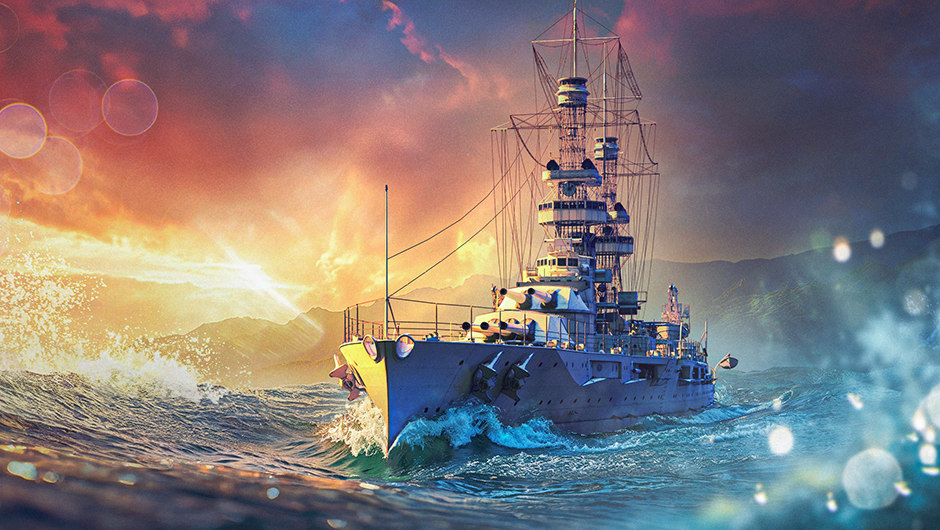
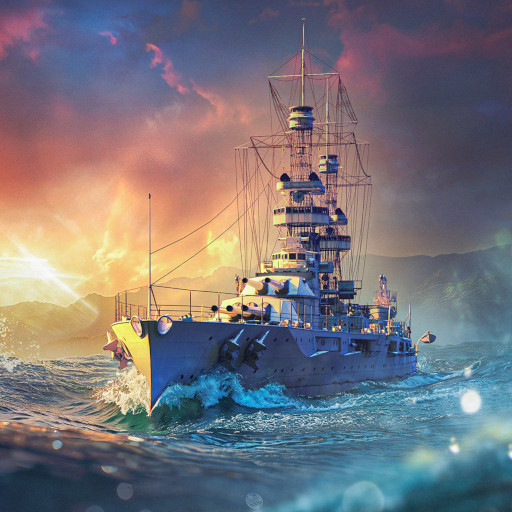
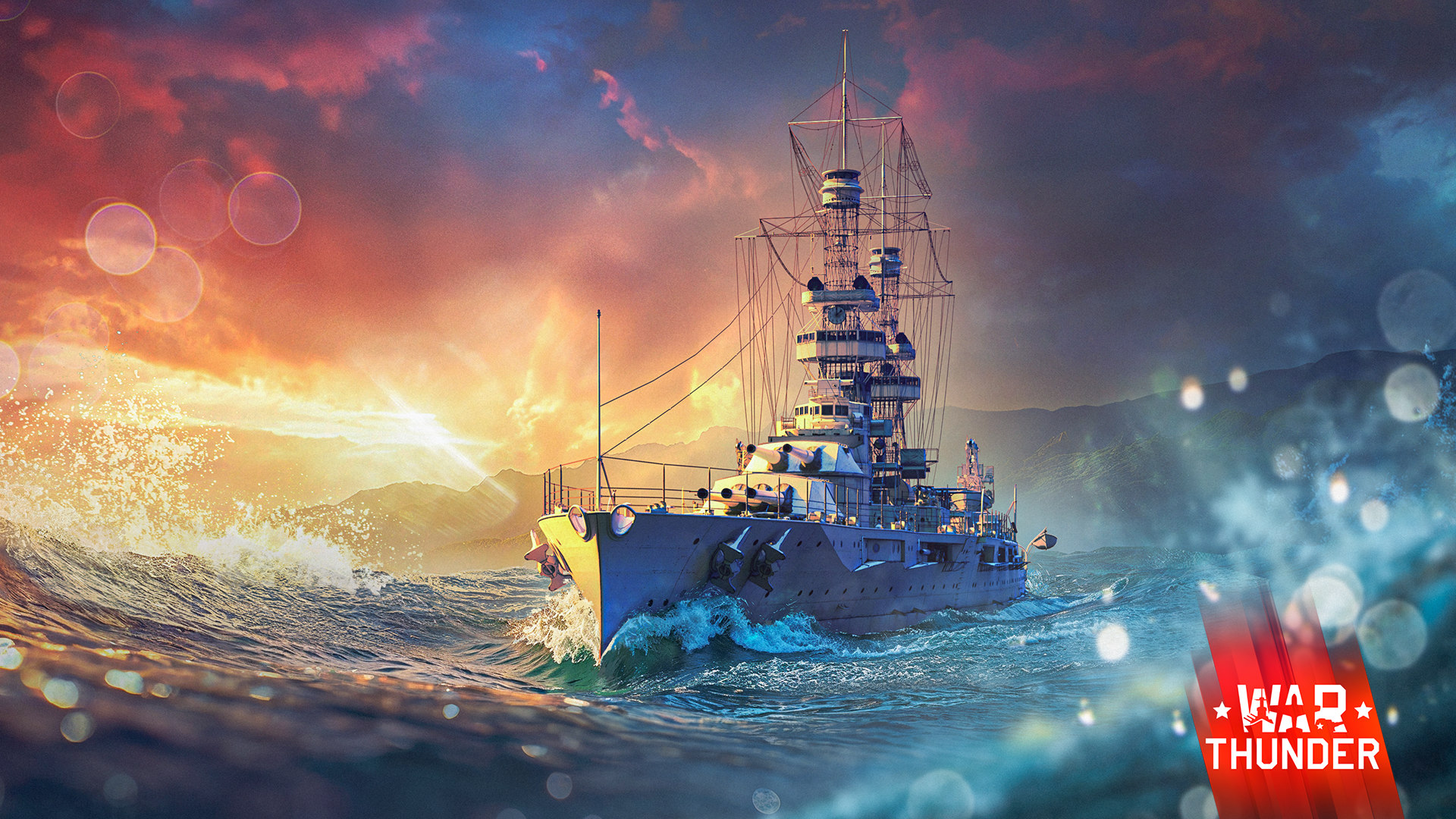
Pearl Harbor is home to the largest base and headquarters of the US Pacific Fleet. The battleship USS Oklahoma was one of Pearl Harbor’s defenders and was destroyed in the Japanese attack on December 7th, 1941, without ever seeing action. We’re ready to change that! Participate in the new naval event, earn the USS Oklahoma, and use her incredible firepower in high-ranked battles!
, earn mission points in Naval Battles, unlock stages and receive rewards!
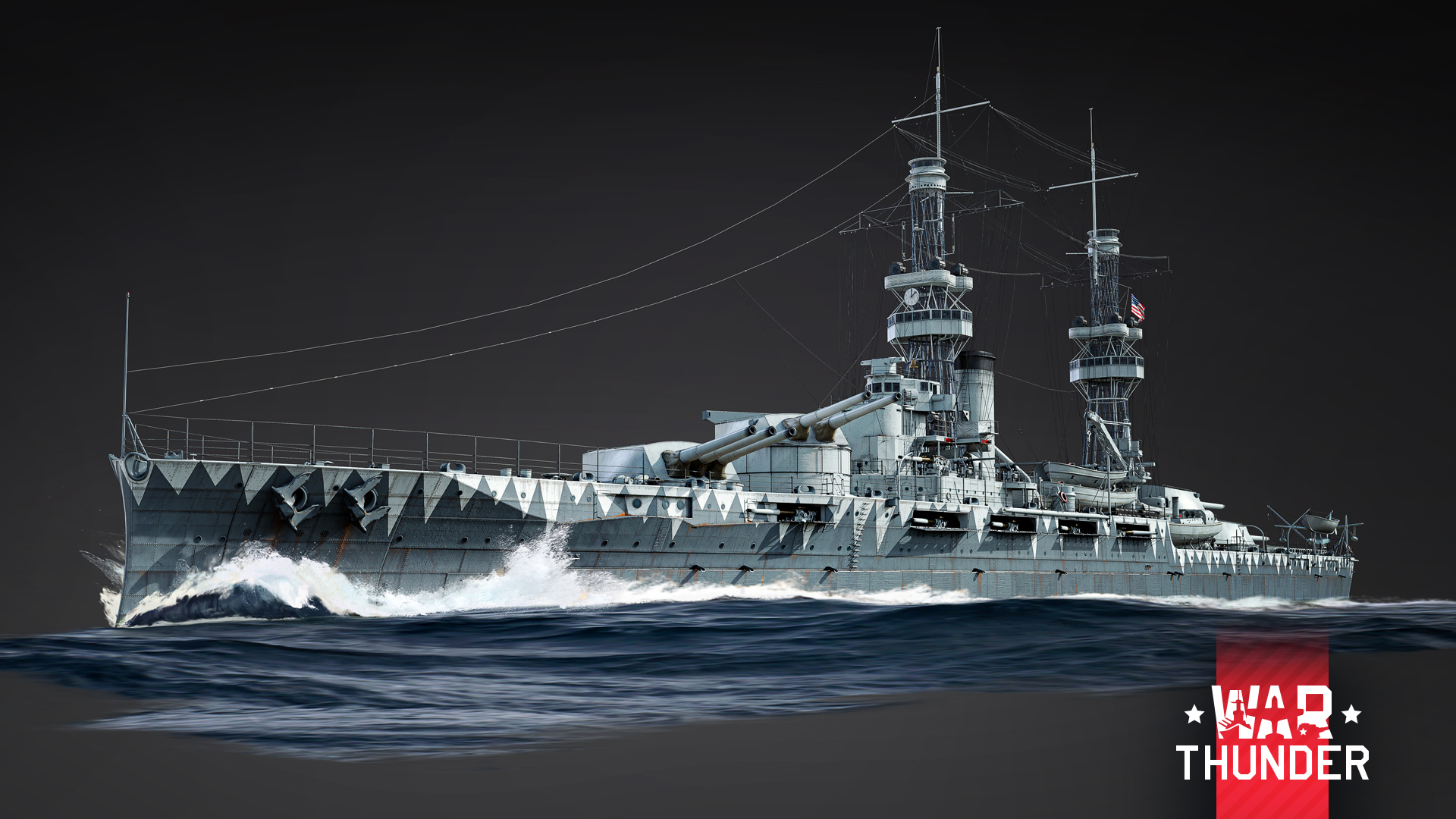
An Event Vehicle Battleship for the USA at Rank VI
Commissioned back in 1916, the battleship USS Oklahoma largely defined the concept of the US ocean-going battleship for many years to come. The ship served first in the Atlantic, and from 1930 onward, with the Pacific Fleet. On the fateful day of the attack on Pearl Harbor, the ship sustained nine hits from Japanese torpedo bombers and sank in port in just 20 minutes; further repairs proved too expensive. In the game, she’s a true behemoth. Her thick armor and ten 356 mm main guns make her an incredibly dangerous and resilient opponent at any combat range. This comes at the cost of mobility, so quickly changing positions with Oklahoma is near impossible. The pre-war composition of her anti-aircraft battery also incentivizes commanders to stay close to allies who can provide stronger anti-aircraft cover for the giant ship.
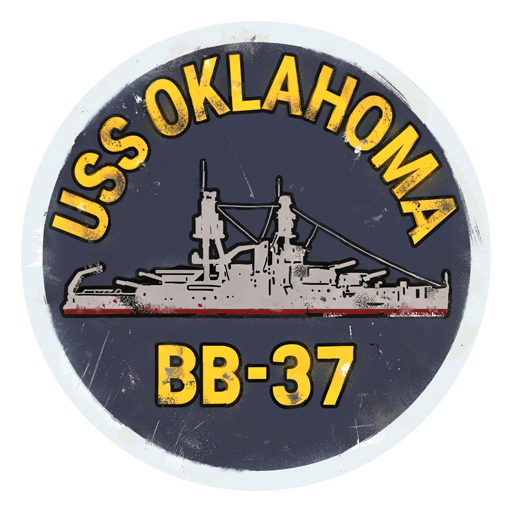
decal
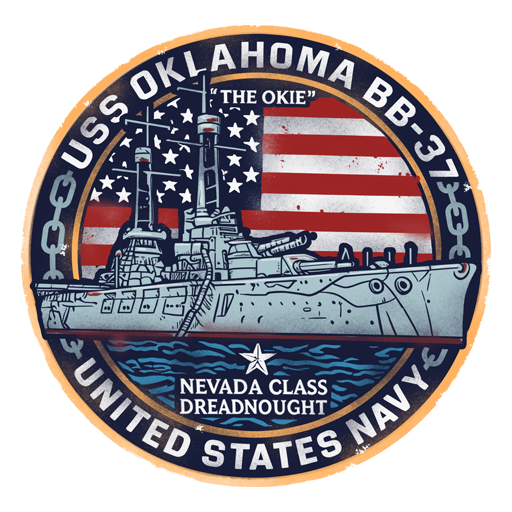
loading screen
Among the rewards in the event is also this chest. When opened, there is a chance to receive one of the following items:
- 50,000 - 100,000 Silver Lions
- Silver Lion and Research Point boosters
- Random Wagers and Orders
- Universal Backups (1 - 3)
- A random camouflage for a vehicle you own
- 1 day of Premium Account
How to get all rewards
Each stage can be achieved for 45,000 mission points, every new stage achieved will give you a new reward.
Please note: After finishing a stage, you need to collect the reward manually. To do this, click on your name in-game, go to “Pacific Pearl” and click the “Get Reward” button.
You’re able to earn mission points in Naval Battles at Rank III or above in Arcade and Realistic Battles. The number of mission points to complete a stage depends on the game mode and the maximum Rank of the vehicle that you use in battle. There’s a multiplier for earning mission points, which is shown in the task description in-game. Points are only awarded at the end of the battle.
You can also earn mission points by using event vehicles that are Rank I and II. Event vehicles that can be used have the name of the event that they were obtainable in on their stat card.
Rewards are given when you complete a specific number of stages
- For 1 Stage: trophy with a random reward
- For 2 Stages: one of the decal rewards
- For 3 Stages: trophy with a random reward
- For 4 Stages: one of the decal rewards
- For 5 Stages: trophy with a random reward
- For 6 Stages: USS Oklahoma loading screen
- For 7 Stages: trophy with a random reward
- For 8 Stages: non-tradable coupon for USS Oklahoma
- For 9 Stages: a unique camouflage and 4 random modifications for USS Oklahoma
Please note: You can only receive the modifications if USS Oklahoma is activated on your account.
Discounts for purchasing stages using Golden Eagles
Unfinished stages can be purchased for Golden Eagles, but if you’re very close to completing a stage, its price will be significantly reduced.
Let’s say you have earned 85% of the required mission points to complete a stage, then the price of purchasing this stage will be halved. If you’re near the finish line for a stage and are at 95% progress, then the price will be reduced by five times. For example, if you’ve scored , then the price to unlock this stage will be . If you’ve scored , then you’ll only need . Remember to keep this in mind if you cannot complete a stage on time!
The Upgrade for a coupon
When you complete 8 stages, you’ll receive a non-tradable coupon for USS Oklahoma, using it will immediately activate the vehicle onto your account. If you don’t want the vehicle and would like to sell the coupon on the Market, you’ll need the “Upgrade for coupon” item.
The “Upgrade for coupon” item can be earned in parallel with the stages throughout the event for 750,000 mission points.
After receiving the “Upgrade for coupon” item, you can convert a non-tradable coupon for the vehicle into a tradable one and sell it on the Market. The tradable coupon can be sold after 6 days from the moment it’s created.
To make a tradable coupon, select the “Coupon USS Oklahoma (USA)” in your inventory and click the “Modify” button.
The “Upgrade for coupon” item is valid . Until this time, you can use it or exchange it for War Bonds. Afterwards, it’ll disappear from your inventory.
Tracking your progress
You can track the progress of completing stages and the “Upgrade for coupon” item by clicking on your Nickname > Achievements > Pacific Pearl. If you don’t manage to complete a stage on time or would like to purchase a stage, you can do so with Golden Eagles until from the Achievements window, which will give you the corresponding rewards.
Comments (36)
Comments will be premoderatedMy pre-emtive strike as a naval lover before the non-naval lovers stike: "Boat!"
A great addition. I can finally update my Pearl Harbor map and replace Nevada and Oklahoma, which still use the Arizona model, with a period-accurate Nevada class. If only CDK didn't crash every time when loading certain maps and assets, I could preview it without having to run a custom mission in the game itself.
oh, that will be a nice addition to my port, just wish Gaijin did a event giving a Premium ship or boat, the vehicles are nice but its kind of a shame that Ground and Air get premium vehicles from this kind of events but Naval does not
Not sure from where you took the idea tbh. Both F-16A and T-72B3 were Event vehicles.
As a Naval, and USN enjoyer what makes the Oklahoma fun and worth the grind? All of the 14in USN Standards feel the same, and the performance of their guns is incredibly frustrating given the incredibly long reload times. I don't mean to cast doubt on her, but compared to other ships in thos range they're not as enjoyable, and they have bad RP and SL rates per game to boot.
Those are all very good points (particularly concerning reload rate). But... it is still USS Oklahoma, so... I must have her, sir =')
As much as I want to be excited, I can’t be excited for this event. I was really hoping that it wouldn’t be another standard type battleship, considering how much they tend to get one shot compared to other nations battleships. Or at least if it was I was hoping it would be something interesting like the South Dakota class. I’m a bit disappointed that this was the event rather than something new Gaijin, especially since the US tree is hurting for some new ships.
Why not USS North Carolina class or USS Indianapolis?
as a oklahoman im obligated to now earn the vehicle even though i dont really play naval
Even though I don't play naval, it is cool to see my state represented as a bote
super
very nice ship love ships thank you☻
Submit a complaint