
- For PC
- For MAC
- For Linux
- OS: Windows 10 (64 bit)
- Processor: Dual-Core 2.2 GHz
- Memory: 4GB
- Video Card: DirectX 11 level video card: AMD Radeon 77XX / NVIDIA GeForce GTX 660. The minimum supported resolution for the game is 720p.
- Network: Broadband Internet connection
- Hard Drive: 23.1 GB (Minimal client)
- OS: Windows 10/11 (64 bit)
- Processor: Intel Core i5 or Ryzen 5 3600 and better
- Memory: 16 GB and more
- Video Card: DirectX 11 level video card or higher and drivers: Nvidia GeForce 1060 and higher, Radeon RX 570 and higher
- Network: Broadband Internet connection
- Hard Drive: 75.9 GB (Full client)
- OS: Mac OS Big Sur 11.0 or newer
- Processor: Core i5, minimum 2.2GHz (Intel Xeon is not supported)
- Memory: 6 GB
- Video Card: Intel Iris Pro 5200 (Mac), or analog from AMD/Nvidia for Mac. Minimum supported resolution for the game is 720p with Metal support.
- Network: Broadband Internet connection
- Hard Drive: 22.1 GB (Minimal client)
- OS: Mac OS Big Sur 11.0 or newer
- Processor: Core i7 (Intel Xeon is not supported)
- Memory: 8 GB
- Video Card: Radeon Vega II or higher with Metal support.
- Network: Broadband Internet connection
- Hard Drive: 62.2 GB (Full client)
- OS: Most modern 64bit Linux distributions
- Processor: Dual-Core 2.4 GHz
- Memory: 4 GB
- Video Card: NVIDIA 660 with latest proprietary drivers (not older than 6 months) / similar AMD with latest proprietary drivers (not older than 6 months; the minimum supported resolution for the game is 720p) with Vulkan support.
- Network: Broadband Internet connection
- Hard Drive: 22.1 GB (Minimal client)
- OS: Ubuntu 20.04 64bit
- Processor: Intel Core i7
- Memory: 16 GB
- Video Card: NVIDIA 1060 with latest proprietary drivers (not older than 6 months) / similar AMD (Radeon RX 570) with latest proprietary drivers (not older than 6 months) with Vulkan support.
- Network: Broadband Internet connection
- Hard Drive: 62.2 GB (Full client)
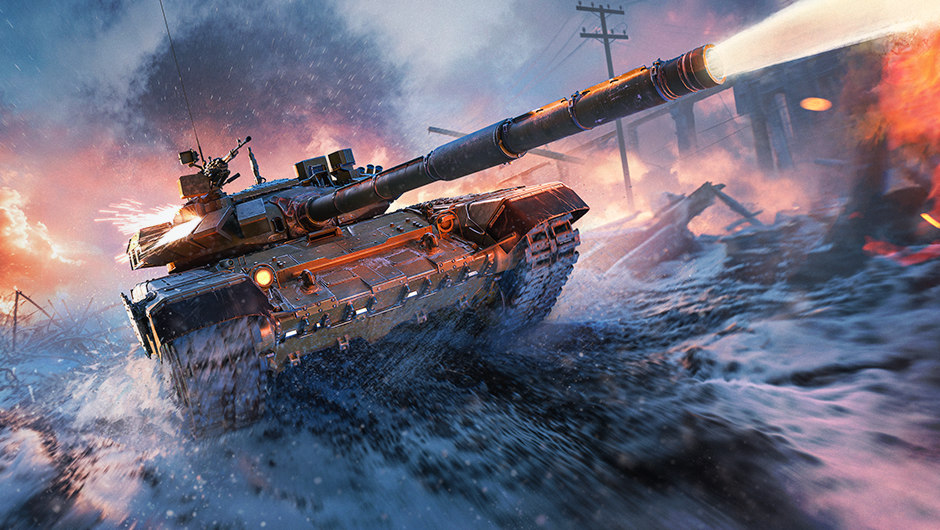
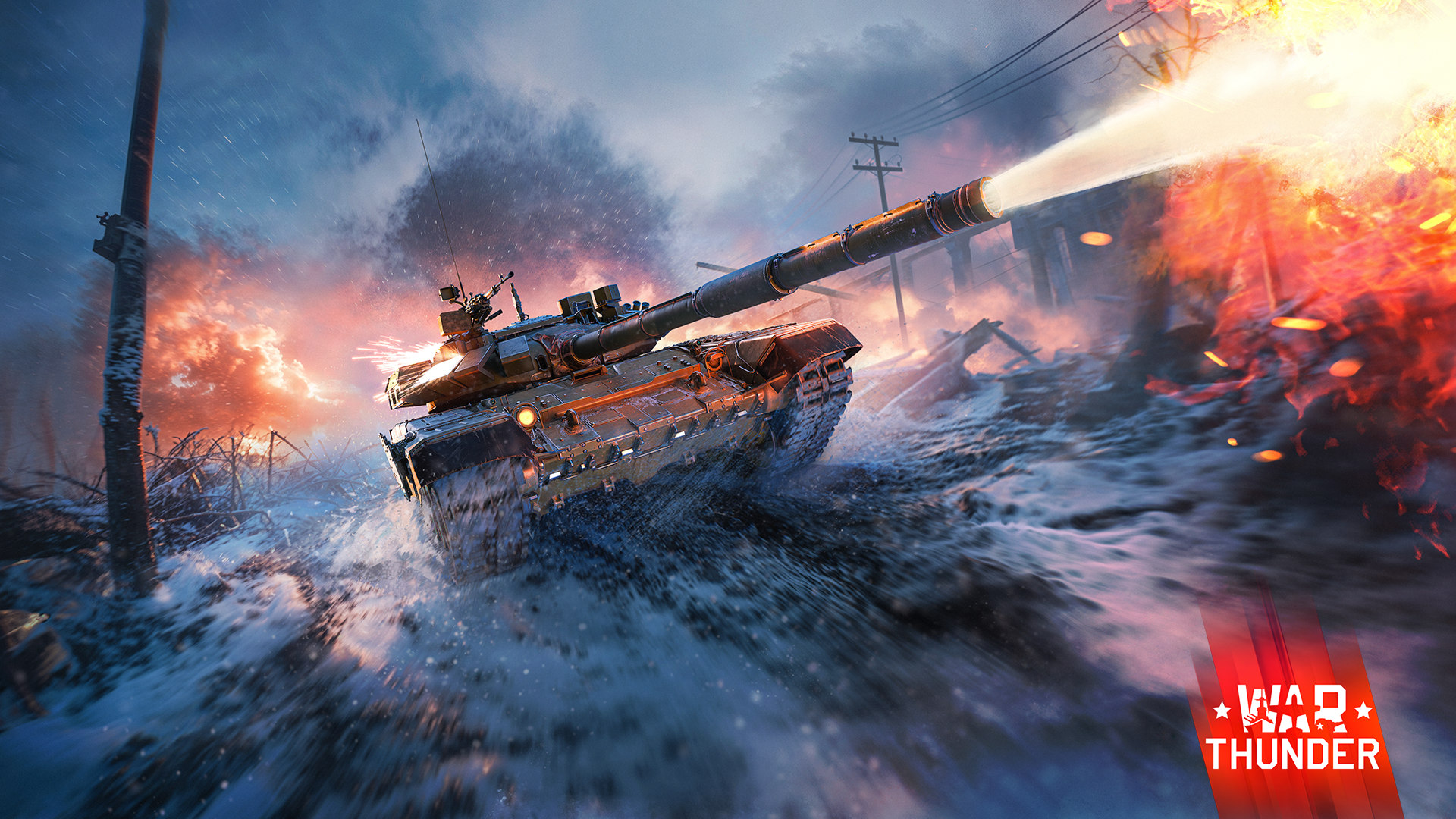
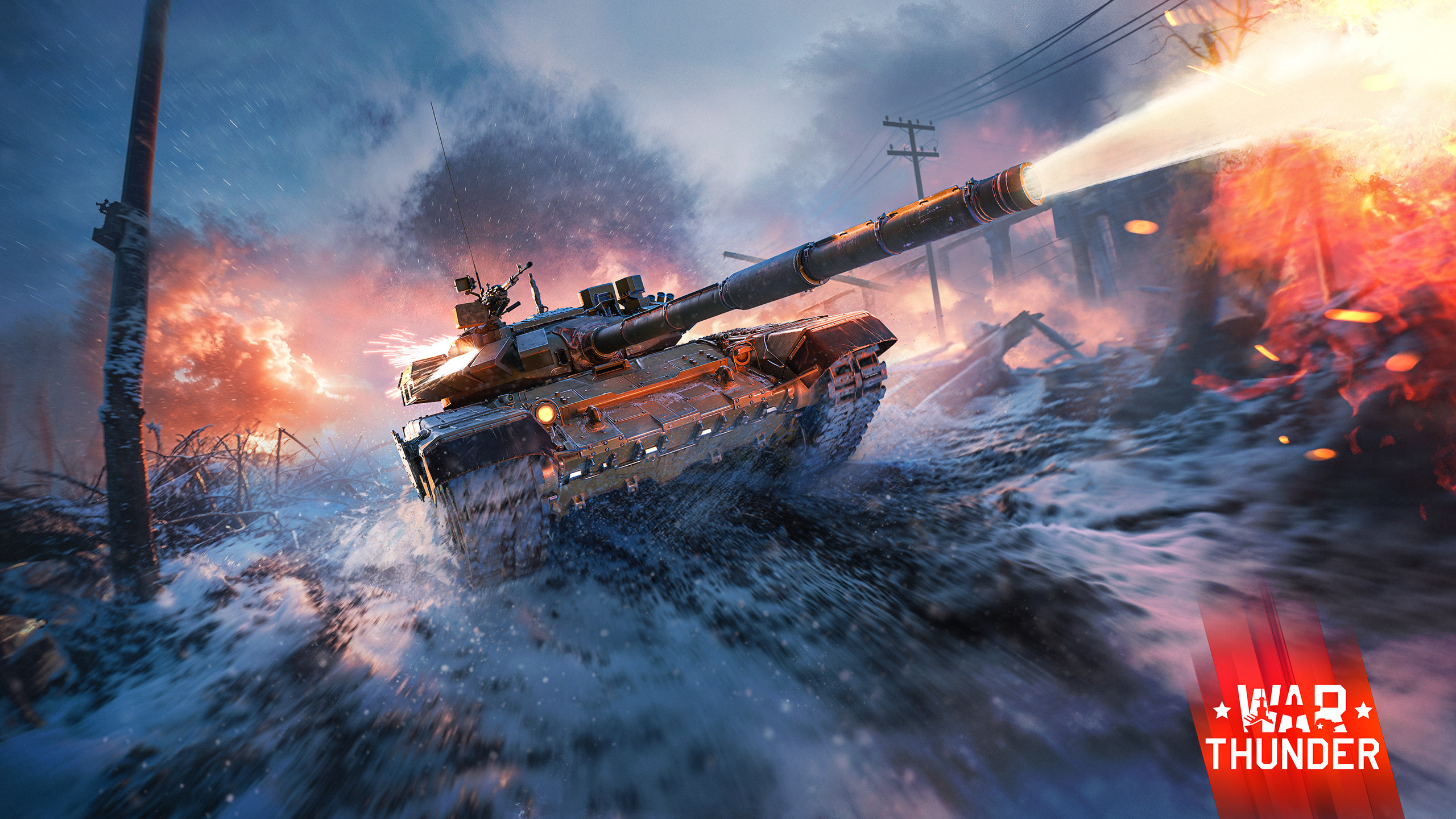
Paintball is a sport for true adrenaline junkies! Put on your helmets, grab your paintball gun, don’t forget your gear and head to the arena. Stay alert, stay behind cover, and don’t forgive your opponents for their mistakes, whether in a competitive match or in our new tank event dedicated to the T-72B3 “Arena”!
From until , earn mission points in Ground Battles, unlock stages and receive rewards!
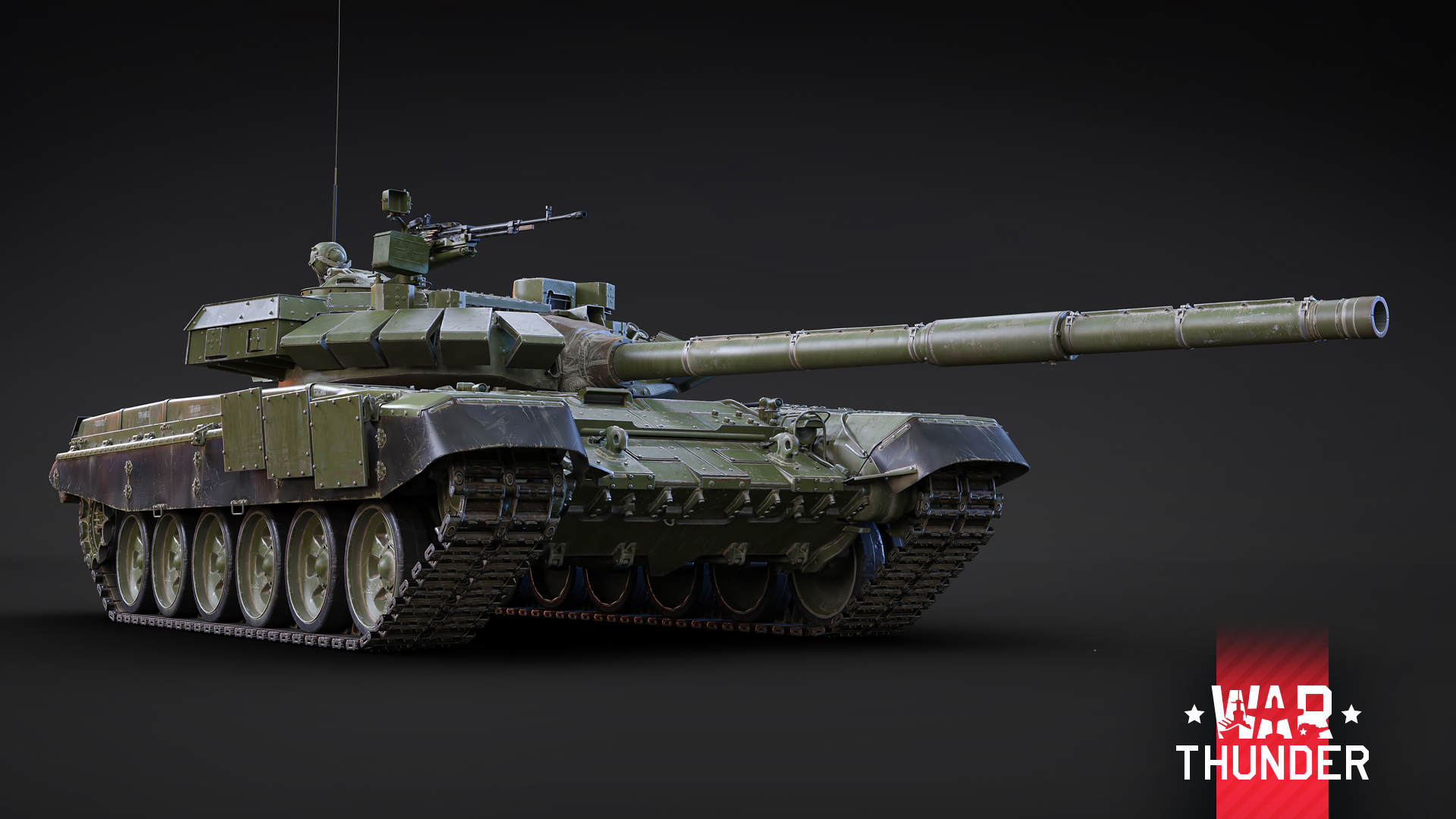
An Event Vehicle MBT for the USSR at Rank VII
One of the areas of further modernization for the T-72B3 tank was equipping it with modern active protection systems. A variant of the tank equipped with an Arena family active protection system was demonstrated at the RAE-2013 exhibition in Nizhny Tagil. This system complements the T-72B3’s already good level of protection. The Arena is capable of engaging incoming guided missiles on approach, destroying them with a fragmentation field several meters from the T-72B3’s armor. This modification is equipped with a ChTZ V-84-1 diesel engine and Kontakt-5 ERA.
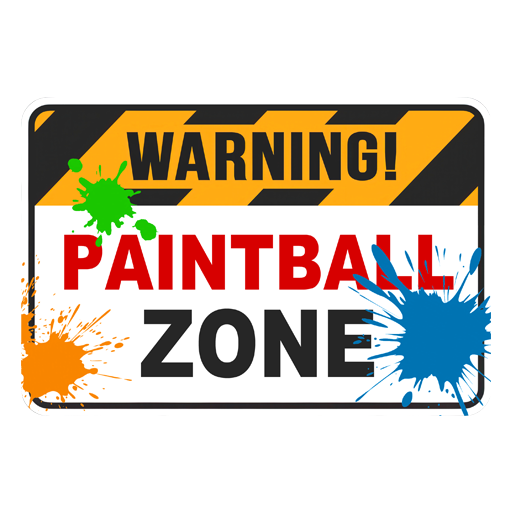
“Warning! Paintball Zone” decal
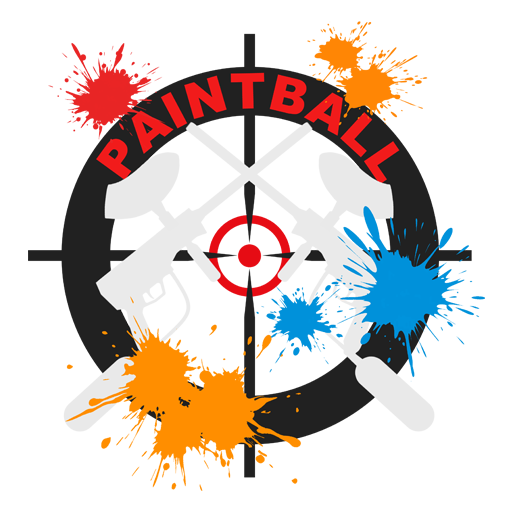
“Paintball”
decal

“Paintball Marker” decoration
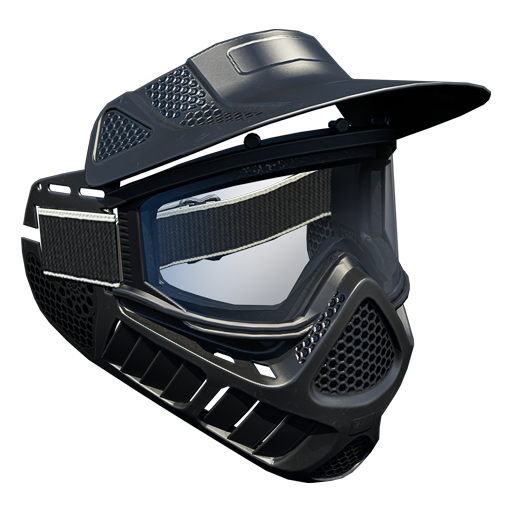
“Paintball Helmet” decoration
Among the rewards in the event is also this chest. When opened, there is a chance to receive one of the following items:
- 50,000 - 100,000 Silver Lions
- Silver Lion and Research Point boosters
- Random Wagers and Orders
- Universal Backups (1 - 3)
- A random camouflage for a vehicle you own
- 1 day of Premium Account
How to get all rewards
Each stage can be achieved for 45,000 mission points, every new stage achieved will give you a new reward.
Please note: After finishing a stage, you need to collect the reward manually. To do this, click on your name in-game, go to “Paintball Arena” and click the “Get Reward” button.
You’re able to earn mission points in Ground Battles at Rank III or above in Arcade, Realistic and Simulator Battles. The number of mission points to complete a stage depends on the game mode and the maximum Rank of the vehicle that you use in battle. There’s a multiplier for earning mission points, which is shown in the task description in-game.
You can also earn mission points by using event vehicles that are Rank I and II. Event vehicles that can be used have the name of the event that they were obtainable in on their stat card.
Stages change every two days at 11:00 GMT on
Rewards are given when you complete a specific number of stages
- For 1 Stage: trophy with a random reward
- For 2 Stages: one of the decal rewards
- For 3 Stages: trophy with a random reward
- For 4 Stages: one of the decal rewards
- For 5 Stages: “Paintball Helmet” decoration
- For 6 Stages: trophy with a random reward
- For 7 Stages: “Paintball Marker” decoration
- For 8 Stages: non-tradable coupon for the T-72B3 “Arena”
- For 9 Stages: a unique camouflage and 4 random modifications for the T-72B3 “Arena”
Please note: You can only receive the modifications if the T-72B3 “Arena” is activated on your account.
Discounts for purchasing stages using Golden Eagles
Unfinished stages can be purchased for Golden Eagles, but if you’re very close to completing a stage, its price will be significantly reduced.
Let’s say you have earned 85% of the required mission points to complete a stage, then the price of purchasing this stage will be halved. If you’re near the finish line for a stage and are at 95% progress, then the price will be reduced by five times. For example, if you’ve scored , then the price to unlock this stage will be . If you’ve scored , then you’ll only need . Remember to keep this in mind if you cannot complete a stage on time!
The Upgrade for a coupon
When you complete 8 stages, you’ll receive a non-tradable coupon for the T-72B3 “Arena”, using it will immediately activate the vehicle onto your account. If you don’t want the vehicle and would like to sell the coupon on the Market, you’ll need the “Upgrade for coupon” item.
The “Upgrade for coupon” item can be earned in parallel with the stages throughout the event from until for 750,000 mission points.
After receiving the “Upgrade for coupon” item, you can convert a non-tradable coupon for the vehicle into a tradable one and sell it on the Market. The tradable coupon can be sold after 6 days from the moment it’s created.
To make a tradable coupon, select the “Coupon T-72B3 “Arena” (USSR)” in your inventory and click the “Modify” button.
The “Upgrade for coupon” item is valid until . Until this time, you can use it or exchange it for War Bonds. Afterwards, it’ll disappear from your inventory.
Tracking your progress
You can track the progress of completing stages and the “Upgrade for coupon” item by clicking on your Nickname > Achievements > Paintball Arena. If you don’t manage to complete a stage on time or would like to purchase a stage, you can do so with Golden Eagles until from the Achievements window, which will give you the corresponding rewards.


Comments (69)
Comments will be premoderatedEvent is now live!
This is absolutely laughable... easy pass.
I would like to express my gratitude to Gaijin. I would be grateful if you could continue to add more variations of the T72, T80 and T90. The more, the better!
it's a t-72b3a and a t-72b3 combined,meaning it has aps and era armour
anyone know what rank the mission is supposed to be at? new player here!
Where do I play this paintball mode? I don't see anything other than the graphic which clicks to Achievements section.
What do you mean? Paintabll Arena is name of the event. We do not have "paintabll mode" in game.
Submit a complaint