
- For PC
- For MAC
- For Linux
- OS: Windows 10 (64 bit)
- Processor: Dual-Core 2.2 GHz
- Memory: 4GB
- Video Card: DirectX 11 level video card: AMD Radeon 77XX / NVIDIA GeForce GTX 660. The minimum supported resolution for the game is 720p.
- Network: Broadband Internet connection
- Hard Drive: 23.1 GB (Minimal client)
- OS: Windows 10/11 (64 bit)
- Processor: Intel Core i5 or Ryzen 5 3600 and better
- Memory: 16 GB and more
- Video Card: DirectX 11 level video card or higher and drivers: Nvidia GeForce 1060 and higher, Radeon RX 570 and higher
- Network: Broadband Internet connection
- Hard Drive: 75.9 GB (Full client)
- OS: Mac OS Big Sur 11.0 or newer
- Processor: Core i5, minimum 2.2GHz (Intel Xeon is not supported)
- Memory: 6 GB
- Video Card: Intel Iris Pro 5200 (Mac), or analog from AMD/Nvidia for Mac. Minimum supported resolution for the game is 720p with Metal support.
- Network: Broadband Internet connection
- Hard Drive: 22.1 GB (Minimal client)
- OS: Mac OS Big Sur 11.0 or newer
- Processor: Core i7 (Intel Xeon is not supported)
- Memory: 8 GB
- Video Card: Radeon Vega II or higher with Metal support.
- Network: Broadband Internet connection
- Hard Drive: 62.2 GB (Full client)
- OS: Most modern 64bit Linux distributions
- Processor: Dual-Core 2.4 GHz
- Memory: 4 GB
- Video Card: NVIDIA 660 with latest proprietary drivers (not older than 6 months) / similar AMD with latest proprietary drivers (not older than 6 months; the minimum supported resolution for the game is 720p) with Vulkan support.
- Network: Broadband Internet connection
- Hard Drive: 22.1 GB (Minimal client)
- OS: Ubuntu 20.04 64bit
- Processor: Intel Core i7
- Memory: 16 GB
- Video Card: NVIDIA 1060 with latest proprietary drivers (not older than 6 months) / similar AMD (Radeon RX 570) with latest proprietary drivers (not older than 6 months) with Vulkan support.
- Network: Broadband Internet connection
- Hard Drive: 62.2 GB (Full client)
Today, we’ve rounded up and will be covering some of the bug fixes and improvements that we’ve made to the game today and over the past few weeks. If you’d like to catch up on every fixed bug, then be sure to check out the changelog section on our website.
If you’ve found a bug that you’d like to report, you can do so on our community bug reporting platform.
Shells that ignored armor when reversing fix
Over the last week, you may have encountered instances where an enemy shell penetrated your armor when it really shouldn’t have. In some cases, hits from API and APHE shells ignored the armor of a tank that was moving away from the player firing at it. This bug was a result of the explosion being incorrectly calculated, which resulted in it exploding behind the armor, despite the fact that the impact of the shell itself and the secondary fragments worked correctly.
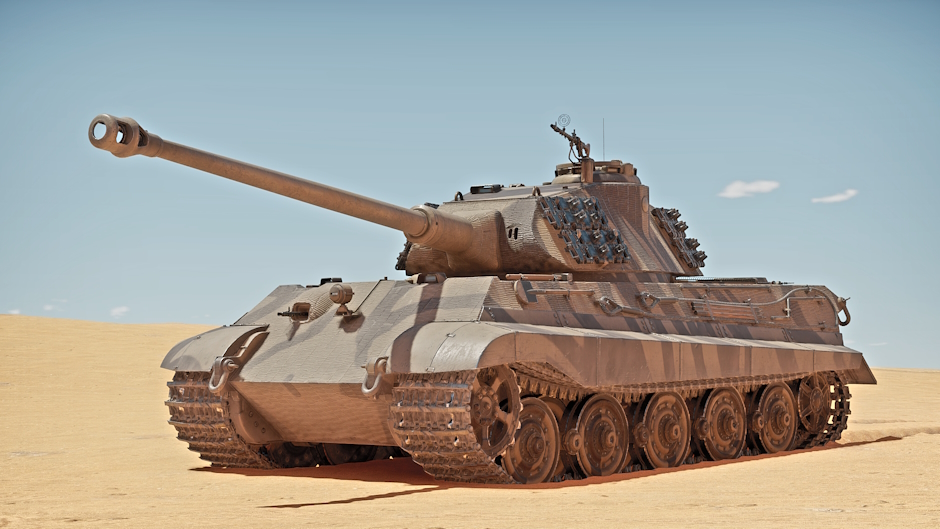
This problem was very apparent and noticeable, but its correction required a complicated fix, as the error could only be repeated in online battles, making finding the reason behind it significantly harder. With solid reports and time though we managed to find the root of the problem and solved it.
Incorrect behavior of secondary fragments
This fix relates to the interaction of secondary fragments (spall) from kinetic and chemical shells when coming into contact with certain vehicle modules that had already been destroyed, the most important of these being fuel tanks and spall liners.
After being destroyed, these modules should be completely excluded from the tank’s damage model and should not provide any additional protection. Due to a bug however, these already destroyed modules could, in some cases, still interact with secondary fragments (and HE impacts), thereby reducing the post-penetration effects of the connecting projectile.
The problem has now been fixed. Now, destroyed modules will no longer affect secondary fragments or protect against high explosive impacts. The modules affected are those that “dissolve” in the hit cam after being destroyed. This change won’t affect permanent modules such as the cannon breech or engine. These will continue to interact with shells and secondary fragments when destroyed.
A compass for pilots
You can now enable the compass display at the top of the screen in third-person view on planes and helicopters. You can find the corresponding options in the Air Battle Settings and Helicopter Battle Settings.
Naval battles interface fixes
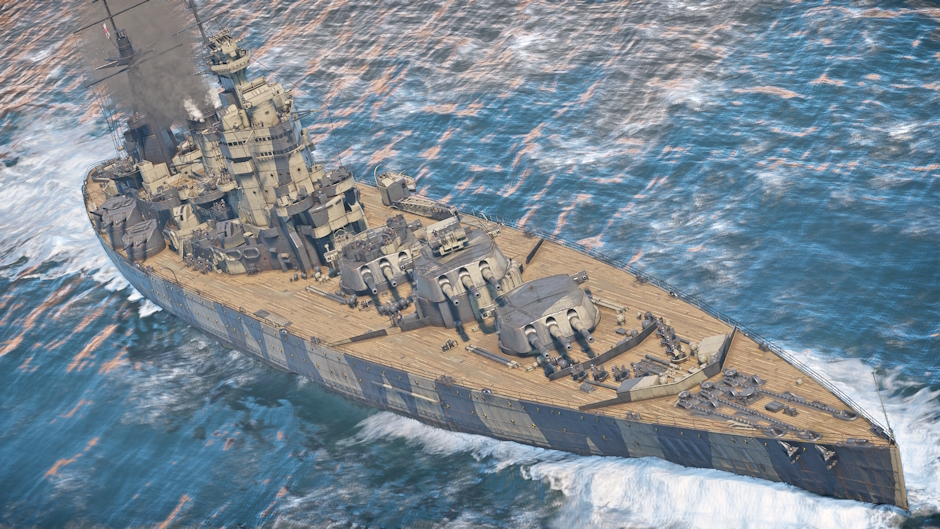
You’ve reported that the interface would sometimes display incorrectly during long naval battles. Icons would change, elements would shift, and text would become unreadable. Unfortunately, this bug didn’t always happen, and even when it did, the cause wasn’t immediately obvious. We’ve finally found the root of the problem and fixed it. The interface is now back in order.
That’s not all
Check out the full list of fixes and improvements in the update notes below! Here’s some: a bug that could occasionally cause some targets to disappear from the radar indicator of ground vehicles has been fixed. Numerous audio improvements and fixes were made, including the sound of tank guns on enemy and allied ground vehicles, which were adjusted to improve the perceived range and direction of fire. A bug that could cause a player to be kicked of a nuclear aircraft when the TADS vehicle of some Multi-Vehicle SAM systems were destroyed was fixed, as well as a number of other issues related to Multi-Vehicle SAM systems.
Once again, many thanks for all your bug reports that you submitted using our special service.

Comments (10)
Comments will be premoderatedThe 3rd person compass is such a nice quality of life change for playing CAP in GRB when air alert is called
It was so difficult to imagine and implement, it took them how long? 7 years ?
Please tell me someone is working on the "black puff" bug affecting many cannons, especially the FF/M, the 151 and the Hispano? Nothing more frustrating than having a hard dogfight and doing everything perfectly only to get a gun solution and see a stream of black puffs with hit after hit that does 0 damage.
Question, why did you revert the sound changes since this update came out? it was sooo good, why do you always mess up with the sound?
fix air\
About time the fix to fuel absorbing rounds
You to fix something, without bringing back the old bugs?
For the love of god, plz, fix the elevation issue on the French Roland ( itshould have same elevation than the german one), it's been 6 years ...
Please fix the log in problem with steam account. I have to relog in every time I open war thunder with launcher. Remember log in details option isn't working.
Outstanding! I'm really glad to see the heading display option has been added to aircraft and helicopter 3rd person views, but can we please have options to enable it for aircraft cockpit and virtual cockpit views, as well? Also, can we please have options to display the pitch ladder and velocity vector for aircraft 3rd person, cockpit, and virtual cockpit views?
Submit a complaint