
- For PC
- For MAC
- For Linux
- OS: Windows 10 (64 bit)
- Processor: Dual-Core 2.2 GHz
- Memory: 4GB
- Video Card: DirectX 11 level video card: AMD Radeon 77XX / NVIDIA GeForce GTX 660. The minimum supported resolution for the game is 720p.
- Network: Broadband Internet connection
- Hard Drive: 23.1 GB (Minimal client)
- OS: Windows 10/11 (64 bit)
- Processor: Intel Core i5 or Ryzen 5 3600 and better
- Memory: 16 GB and more
- Video Card: DirectX 11 level video card or higher and drivers: Nvidia GeForce 1060 and higher, Radeon RX 570 and higher
- Network: Broadband Internet connection
- Hard Drive: 75.9 GB (Full client)
- OS: Mac OS Big Sur 11.0 or newer
- Processor: Core i5, minimum 2.2GHz (Intel Xeon is not supported)
- Memory: 6 GB
- Video Card: Intel Iris Pro 5200 (Mac), or analog from AMD/Nvidia for Mac. Minimum supported resolution for the game is 720p with Metal support.
- Network: Broadband Internet connection
- Hard Drive: 22.1 GB (Minimal client)
- OS: Mac OS Big Sur 11.0 or newer
- Processor: Core i7 (Intel Xeon is not supported)
- Memory: 8 GB
- Video Card: Radeon Vega II or higher with Metal support.
- Network: Broadband Internet connection
- Hard Drive: 62.2 GB (Full client)
- OS: Most modern 64bit Linux distributions
- Processor: Dual-Core 2.4 GHz
- Memory: 4 GB
- Video Card: NVIDIA 660 with latest proprietary drivers (not older than 6 months) / similar AMD with latest proprietary drivers (not older than 6 months; the minimum supported resolution for the game is 720p) with Vulkan support.
- Network: Broadband Internet connection
- Hard Drive: 22.1 GB (Minimal client)
- OS: Ubuntu 20.04 64bit
- Processor: Intel Core i7
- Memory: 16 GB
- Video Card: NVIDIA 1060 with latest proprietary drivers (not older than 6 months) / similar AMD (Radeon RX 570) with latest proprietary drivers (not older than 6 months) with Vulkan support.
- Network: Broadband Internet connection
- Hard Drive: 62.2 GB (Full client)
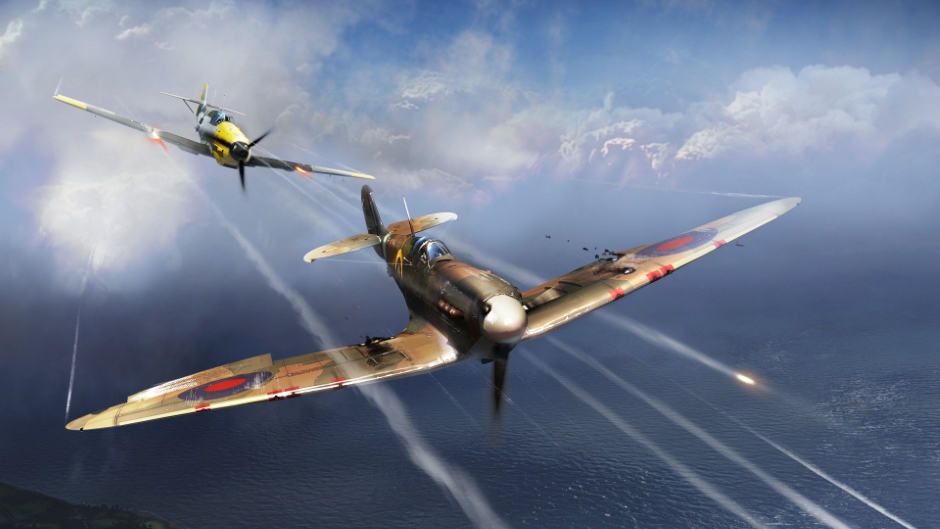
Today, we’ve rounded up and will be covering some of the bug fixes and improvements that we’ve made to the game today and over the past few weeks. If you’d like to catch up on every fixed bug, then be sure to check out the changelog section on our website.
If you’ve found a bug that you’d like to report, you can do so on our community bug reporting platform.
A fix for air frags not counting on the scoreboard
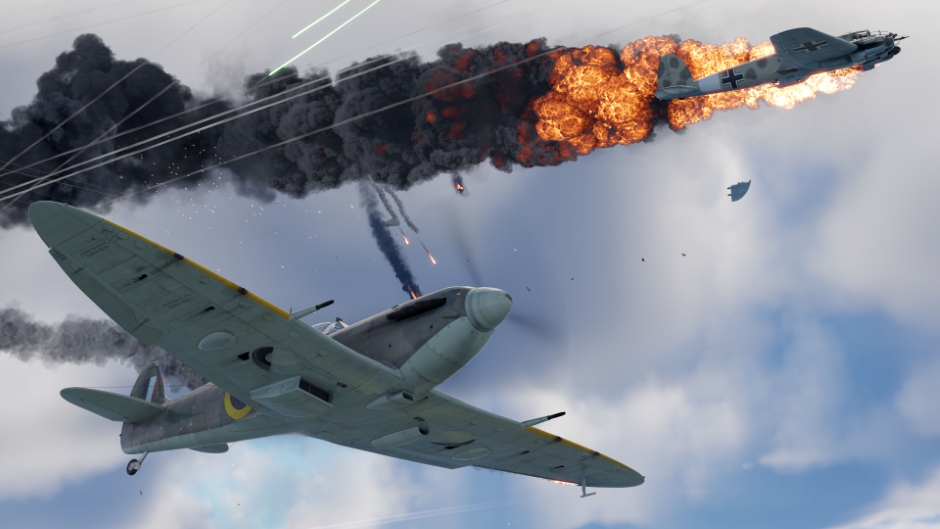
Two pilots engage in a tense duel, one of them gains the upper hand and deals critical damage to the enemy plane, causing it to crash. The victor receives mission points, but notices that the credit for destroying the aircraft doesn’t appear in the scoreboard.
This was a bit of an issue, but was temporary: as soon as the defeated player took damage again after respawning, or if the victor crashed, the well-deserved credit would appear in the scoreboard. But this didn’t always happen. We’ve fixed this issue and your frags will count correctly on the scoreboard again.
Radar fixes
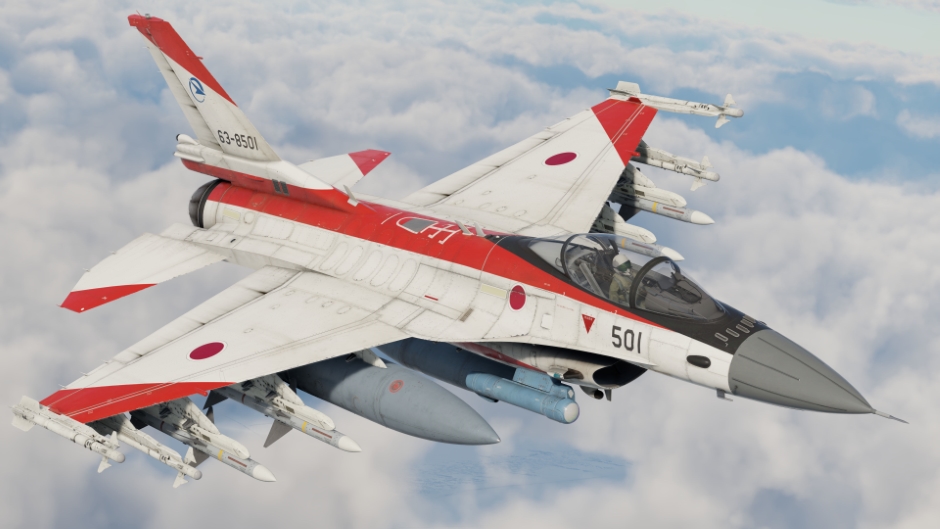
We’ve fixed several bugs that occurred in various radar systems. For example, phased array radars would sometimes lose acquired targets if they moved out of range. The TWS+ radar also lost targets, where they would stop updating and freeze. Another bug affected TWS HDN mode, preventing target acquisition. Thank you for your reports, as they helped identify and quickly fix these issues!
Convenient filtering!
War Thunder is a game full of details and rich content and sometimes, finding what you’re looking for or filtering can require some effort. We’ve added a “Select all” button to many menus, allowing you to... well, select everything in a list. For example in the X-ray module filtering menu, wishlists and when selecting camouflages. This will help you speed things up while in the hangar, so make sure to use it when you need it!
That’s not all
Check out the full list of fixes and improvements in the update notes below! Here’s some more: haze is now less noticeable in naval and air battles in good weather, spaces in vehicle names no longer interfere with vehicle searches, and Silver Lion and Golden Eagle purchase windows now display correctly on ultra-wide monitors.

Comments (4)
Comments will be premoderatedIdk if it's listed here but I realized that y'all changed the R400 barrel from the L7A3 to the Rh 105-30 after a few complaints were made on it by @AspectOfTheRage. So I just wanted to say thanks for listening to the guy and changing the barrel it's much appreciated even if it's just appreciated by acoustic people like me
The radars are still not fixed. My track continues to be lost to aircraft that should be visible, the aim120 has no data link knowledge when tws drops a contact randomly, and if a missile is fired by a contact on tws during this random drop the dl switches to that missile. These drops in radar tracking are wildly inconsistent and unforgiving. I am using the f15ge and am constantly frustrated with its inconsistent performance of which I can't analyze in replay as my missiles aren't rendered.
It is nice that you fixed the kill counitng issue on the scoreboard. Now you can go on by adding submarines.
It would be great if you could add a DAMAGED option in the Filter options when we Change vehicles in the crews.
Submit a complaint