
- For PC
- For MAC
- For Linux
- OS: Windows 10 (64 bit)
- Processor: Dual-Core 2.2 GHz
- Memory: 4GB
- Video Card: DirectX 11 level video card: AMD Radeon 77XX / NVIDIA GeForce GTX 660. The minimum supported resolution for the game is 720p.
- Network: Broadband Internet connection
- Hard Drive: 23.1 GB (Minimal client)
- OS: Windows 10/11 (64 bit)
- Processor: Intel Core i5 or Ryzen 5 3600 and better
- Memory: 16 GB and more
- Video Card: DirectX 11 level video card or higher and drivers: Nvidia GeForce 1060 and higher, Radeon RX 570 and higher
- Network: Broadband Internet connection
- Hard Drive: 75.9 GB (Full client)
- OS: Mac OS Big Sur 11.0 or newer
- Processor: Core i5, minimum 2.2GHz (Intel Xeon is not supported)
- Memory: 6 GB
- Video Card: Intel Iris Pro 5200 (Mac), or analog from AMD/Nvidia for Mac. Minimum supported resolution for the game is 720p with Metal support.
- Network: Broadband Internet connection
- Hard Drive: 22.1 GB (Minimal client)
- OS: Mac OS Big Sur 11.0 or newer
- Processor: Core i7 (Intel Xeon is not supported)
- Memory: 8 GB
- Video Card: Radeon Vega II or higher with Metal support.
- Network: Broadband Internet connection
- Hard Drive: 62.2 GB (Full client)
- OS: Most modern 64bit Linux distributions
- Processor: Dual-Core 2.4 GHz
- Memory: 4 GB
- Video Card: NVIDIA 660 with latest proprietary drivers (not older than 6 months) / similar AMD with latest proprietary drivers (not older than 6 months; the minimum supported resolution for the game is 720p) with Vulkan support.
- Network: Broadband Internet connection
- Hard Drive: 22.1 GB (Minimal client)
- OS: Ubuntu 20.04 64bit
- Processor: Intel Core i7
- Memory: 16 GB
- Video Card: NVIDIA 1060 with latest proprietary drivers (not older than 6 months) / similar AMD (Radeon RX 570) with latest proprietary drivers (not older than 6 months) with Vulkan support.
- Network: Broadband Internet connection
- Hard Drive: 62.2 GB (Full client)
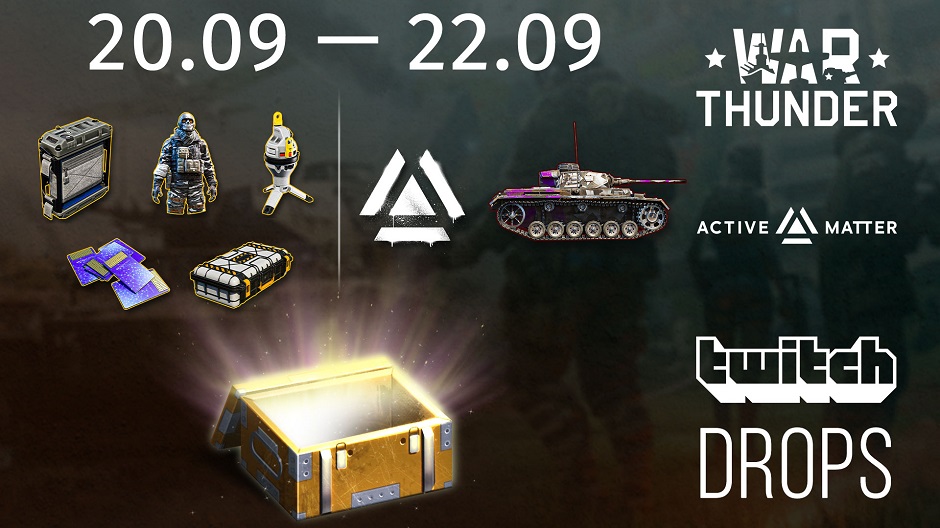
Hey everyone! We’re inviting you to celebrate the launch of Active Matter with us on Twitch.
Watch Active Matter streams to receive rewards both in Active Matter and War Thunder!
Watching streams from September 20th (15:30 GMT) until September 22nd (16:00 GMT), will get you:
In Active Matter:
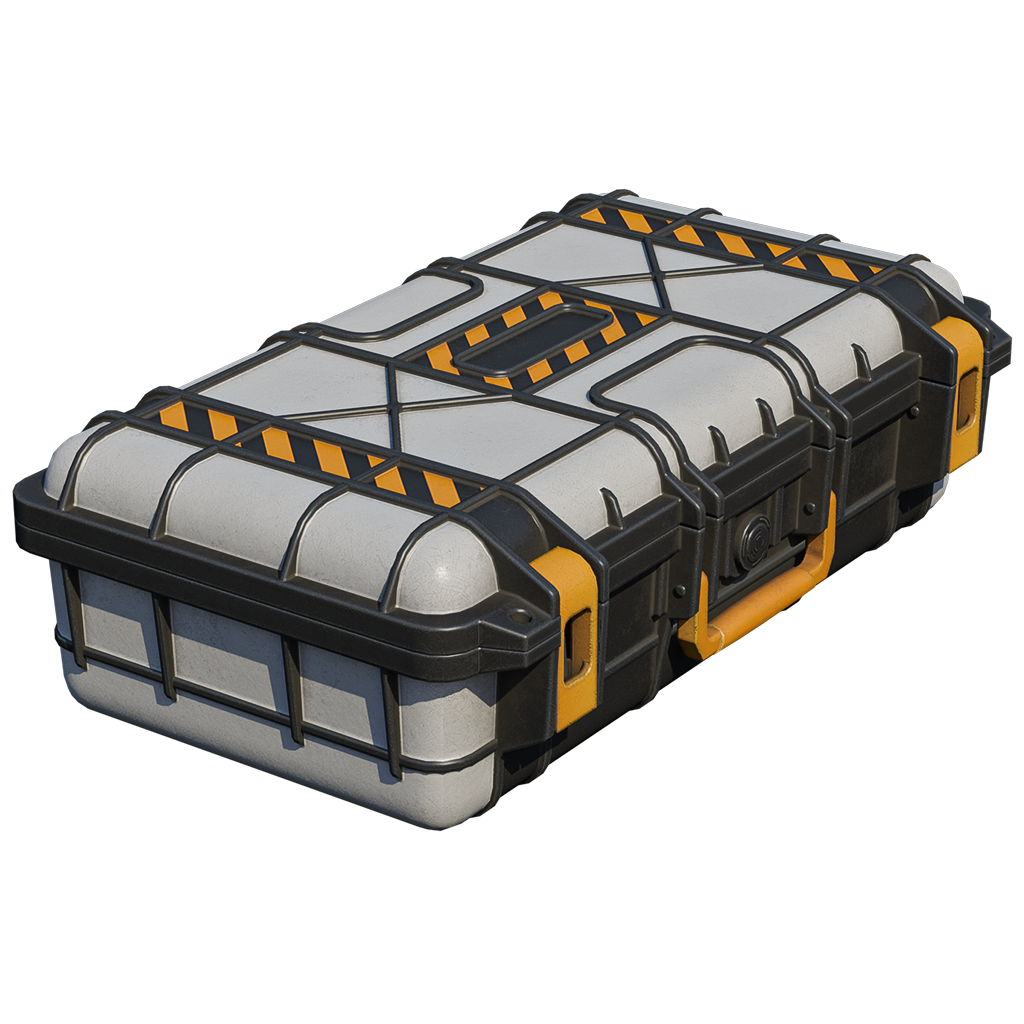
PP-19-01
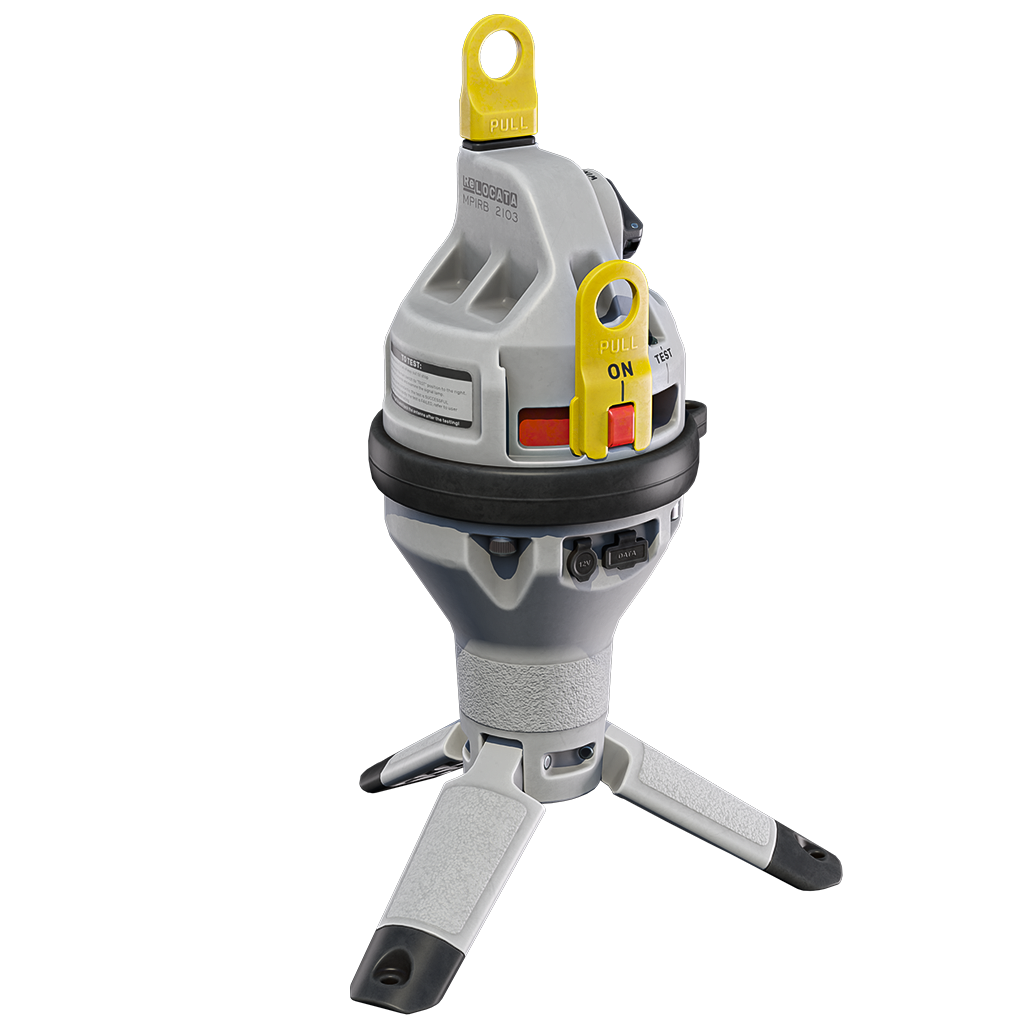
Beacon
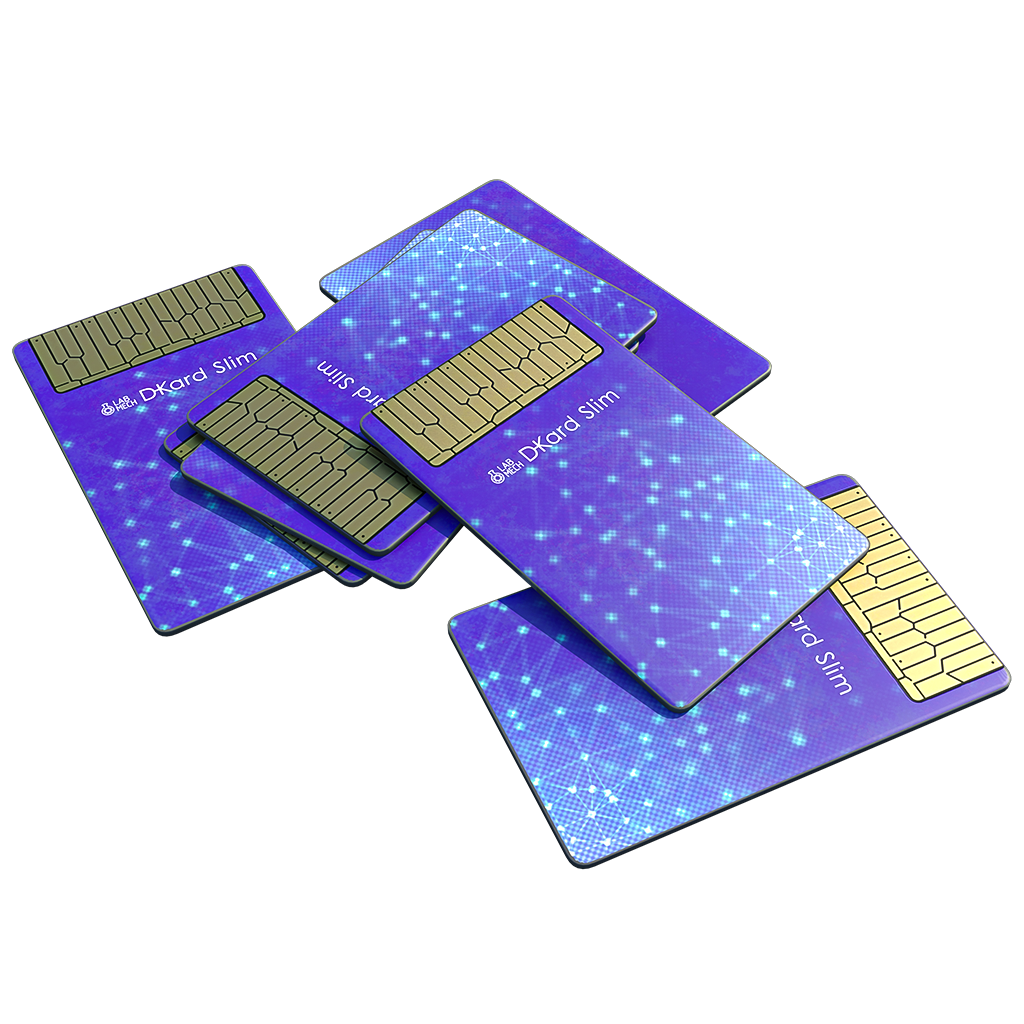
Isolated raid pass
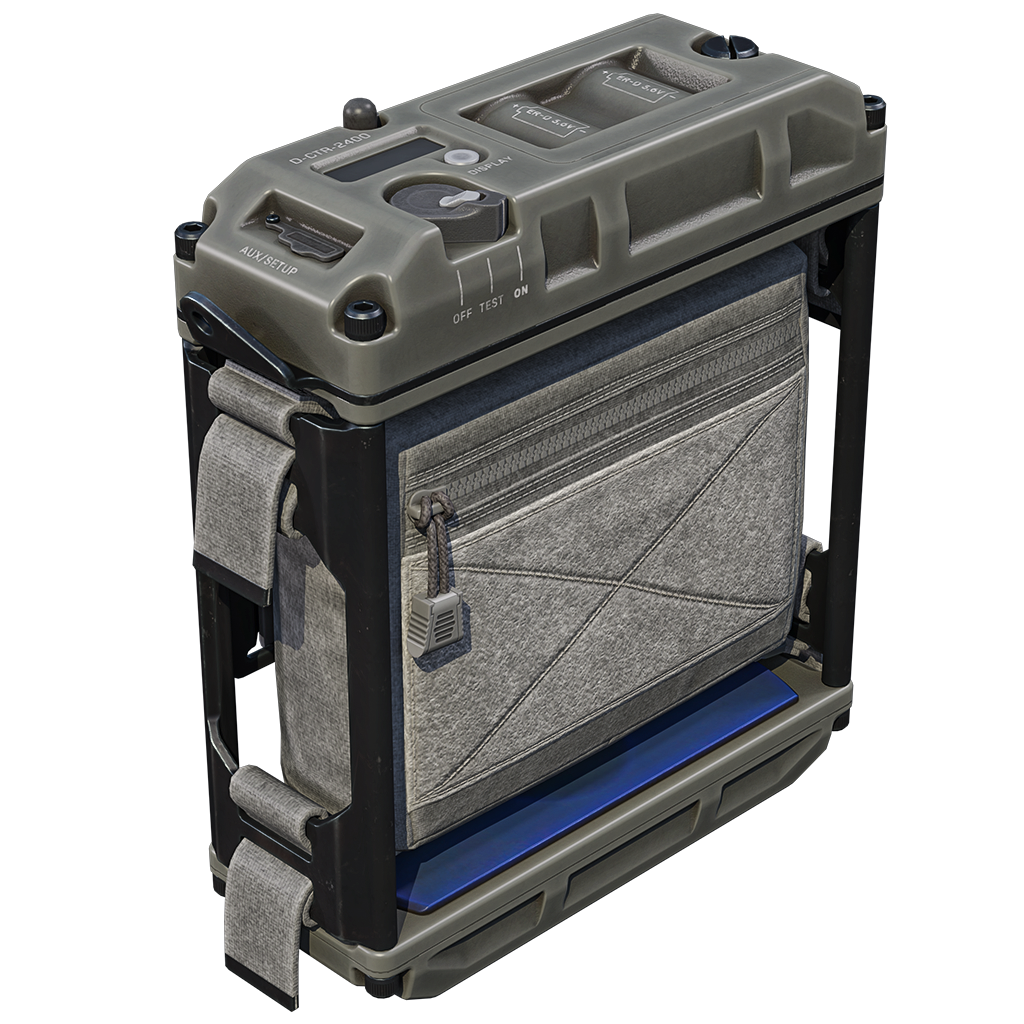
Medium safe container
- Pack — 3 PCS
- PP-19-01,
- magazine for PP-19-01,
- PT-3 telescopic stock,
- “EXPS3 Collimator” sight,
- PP-19-01 silencer
- Beacon — 5 PCS
- Isolated raid pass — 10 PCS
- Medium safe container — 5 PCS
- Body Sleeve “Shadow” — 1 PC
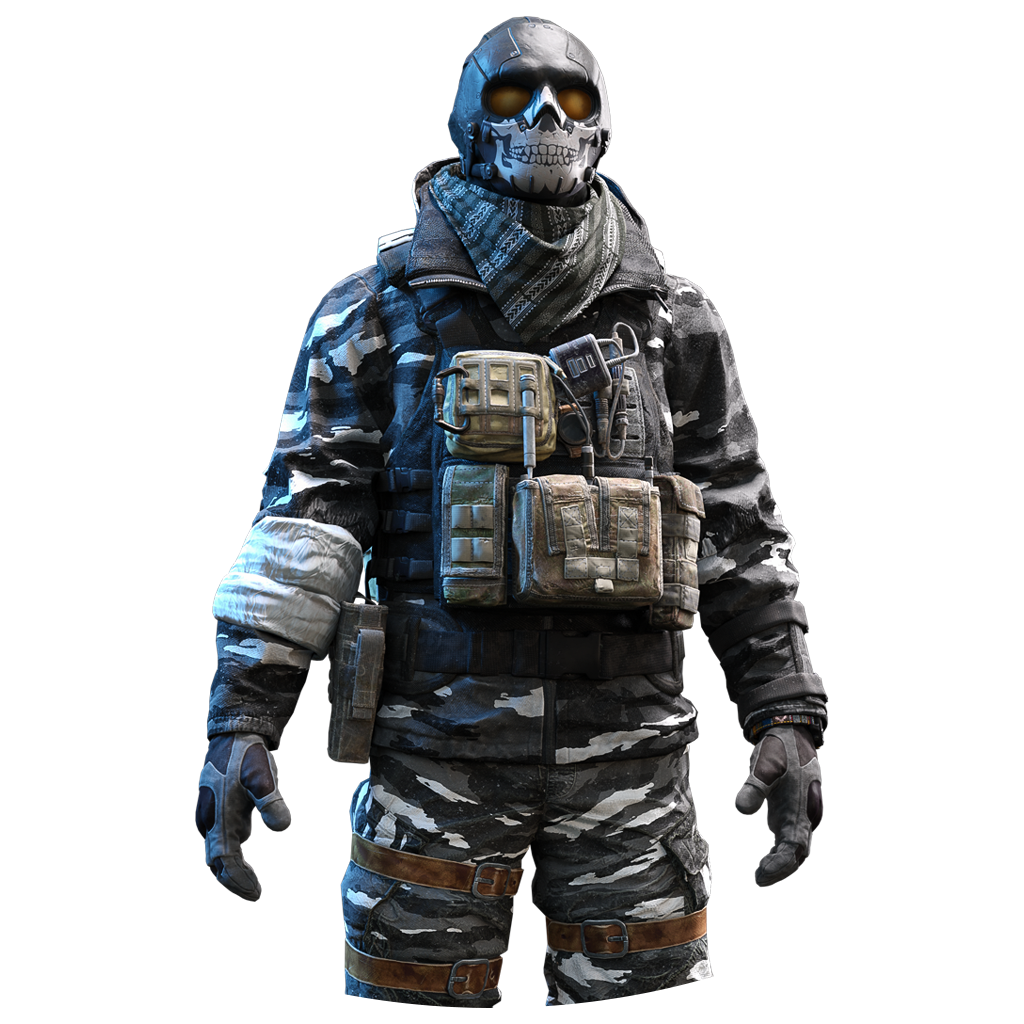
Body Sleeve “Shadow”
In War Thunder:

Active Matter” decal
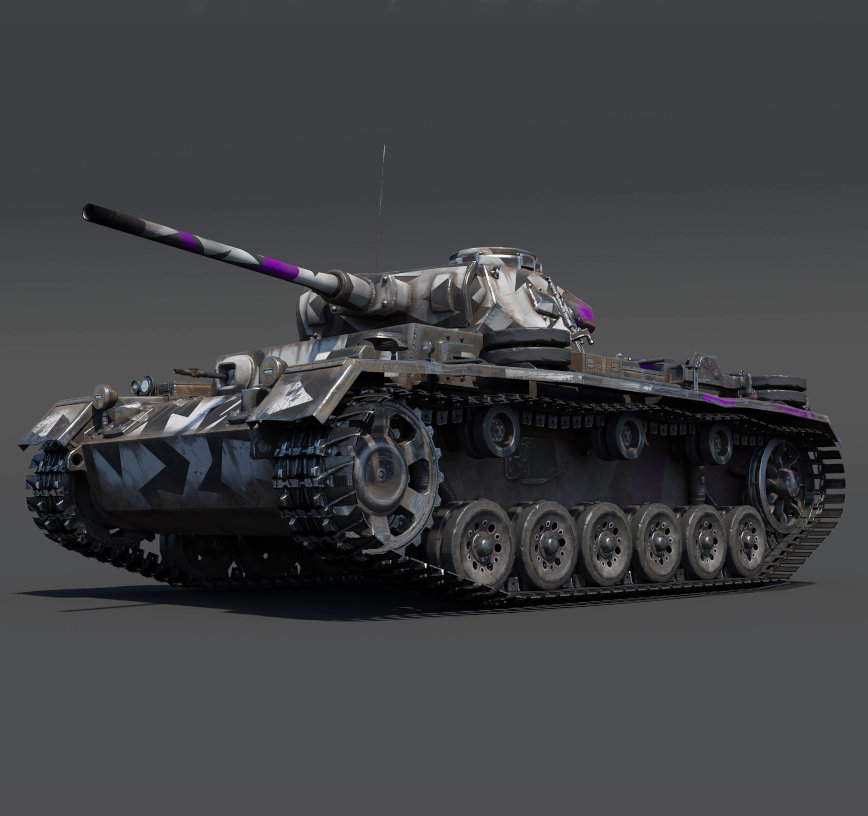
Pz.III J1 TD (Germany) tank*
*If you already have this vehicle, you can exchange the coupon for 100 War Bonds.
Can I get something both in Active Matter and War Thunder?
Yes! The longer you watch Active Matter streams, the more rewards you will receive. You can track your progress in your Twitch profile.
What should I do to be able to receive the rewards?
You should link your Gaijin and Twitch accounts:
- Register or log into your Twitch account.
- Log into your Gaijin account you use to play (or plan to use to play) Active Matter and War Thunder on this page, then press the “Link” button.
- Press the “Allow” button!
What will happen to the rewards if I haven’t purchased Active Matter yet?
These rewards are tied to your account — as soon as you buy any edition of Active Matter and launch the game, they will appear in your warehouse.
Where can I find my rewards in Active Matter?
They will be automatically placed in your warehouse.
Which streams do I need to watch to get rewards?
Any Active Matter streams. If you see a pop-up at the top of the chat saying “Watch to earn Drops!”, you will start receiving rewards for watching!
How will I know that I’ve received a reward?
You’ll get a notification on the Twitch stream page. After that, you can find the item in the game.
NOTE: You must click the “Claim” button in your Twitch inventory before the Twitch Drops campaign ends on September 22 (16:00 GMT).
For which platforms are the rewards available?
Active Matter rewards can only be claimed on PC (the game is currently PC-only).
War Thunder rewards can be claimed on PC, PlayStation®4, PlayStation®5, Xbox One and Xbox Series X|S.
Console players must link their PlayStation Network/Xbox Live account with their Gaijin account.
- Instructions for PlayStation® and PlayStation®5 users
- Instructions for Xbox One and Xbox Series X|S users
I’m a streamer and want to broadcast Active Matter. How do I enable Drops on my channel?
- Link your Twitch account to your Gaijin account.
- Enable Drops in the Twitch settings.
- Play Active Matter, start your Twitch stream, and ensure the broadcast category is set to Active Matter in the Stream Manager.


Comments (23)
Comments will be premoderatedTwitch drops!... Oh
I NEED IT THANKS SNAIL FOR THID GIFT
Great! I'd love to see the P-40 and Pz.II C in the Twitch drops too!
I cant wait! Although it is strange that no one is complaining they are "copy/paste" of tech tree tanks... i feel like I am still dreaming
Do you need an account for active matter to get the drops for WT? Cause I'm not seeing anything show up in drops page for me. I do have twitch acc and wt linked.
Submit a complaint