
- For PC
- For MAC
- For Linux
- OS: Windows 10 (64 bit)
- Processor: Dual-Core 2.2 GHz
- Memory: 4GB
- Video Card: DirectX 11 level video card: AMD Radeon 77XX / NVIDIA GeForce GTX 660. The minimum supported resolution for the game is 720p.
- Network: Broadband Internet connection
- Hard Drive: 23.1 GB (Minimal client)
- OS: Windows 10/11 (64 bit)
- Processor: Intel Core i5 or Ryzen 5 3600 and better
- Memory: 16 GB and more
- Video Card: DirectX 11 level video card or higher and drivers: Nvidia GeForce 1060 and higher, Radeon RX 570 and higher
- Network: Broadband Internet connection
- Hard Drive: 75.9 GB (Full client)
- OS: Mac OS Big Sur 11.0 or newer
- Processor: Core i5, minimum 2.2GHz (Intel Xeon is not supported)
- Memory: 6 GB
- Video Card: Intel Iris Pro 5200 (Mac), or analog from AMD/Nvidia for Mac. Minimum supported resolution for the game is 720p with Metal support.
- Network: Broadband Internet connection
- Hard Drive: 22.1 GB (Minimal client)
- OS: Mac OS Big Sur 11.0 or newer
- Processor: Core i7 (Intel Xeon is not supported)
- Memory: 8 GB
- Video Card: Radeon Vega II or higher with Metal support.
- Network: Broadband Internet connection
- Hard Drive: 62.2 GB (Full client)
- OS: Most modern 64bit Linux distributions
- Processor: Dual-Core 2.4 GHz
- Memory: 4 GB
- Video Card: NVIDIA 660 with latest proprietary drivers (not older than 6 months) / similar AMD with latest proprietary drivers (not older than 6 months; the minimum supported resolution for the game is 720p) with Vulkan support.
- Network: Broadband Internet connection
- Hard Drive: 22.1 GB (Minimal client)
- OS: Ubuntu 20.04 64bit
- Processor: Intel Core i7
- Memory: 16 GB
- Video Card: NVIDIA 1060 with latest proprietary drivers (not older than 6 months) / similar AMD (Radeon RX 570) with latest proprietary drivers (not older than 6 months) with Vulkan support.
- Network: Broadband Internet connection
- Hard Drive: 62.2 GB (Full client)
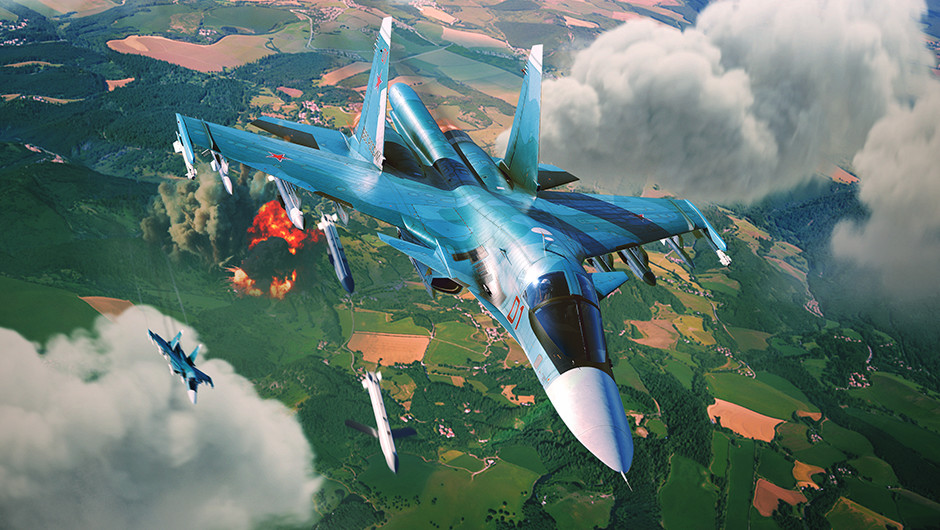
Today, we’ve rounded up and will be covering some of the fixes and improvements that we’ve made to the game today and over the past two weeks. If you’d like to catch up on every fixed bug, then be sure to check out the changelog section on our website.
If you’ve found a bug that you’d like to report, you can do so on our community bug reporting platform.
Weapons Launch Side Indicator Fix
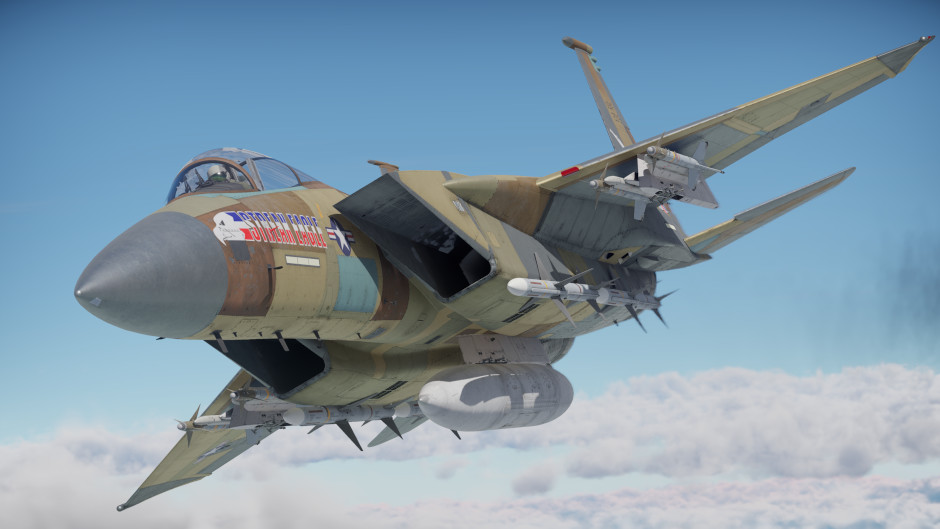
When flying aircraft capable of carrying two rockets per hardpoint, a problem sometimes came up: the indicator in the top-left corner of the HUD, which shows which wing the next rocket will launch from, could display incorrect information. The visual weapon selector at the bottom of the screen was also incorrect. Game mechanics prevent the upper rocket from firing until the lower one had been released; however, the interface logic failed to register this restriction, causing the UI to periodically display the wrong launch side for the next rocket. The error had to be fixed in two places, as the information is displayed in two separate locations.
Erratic Missile Behavior Fixed
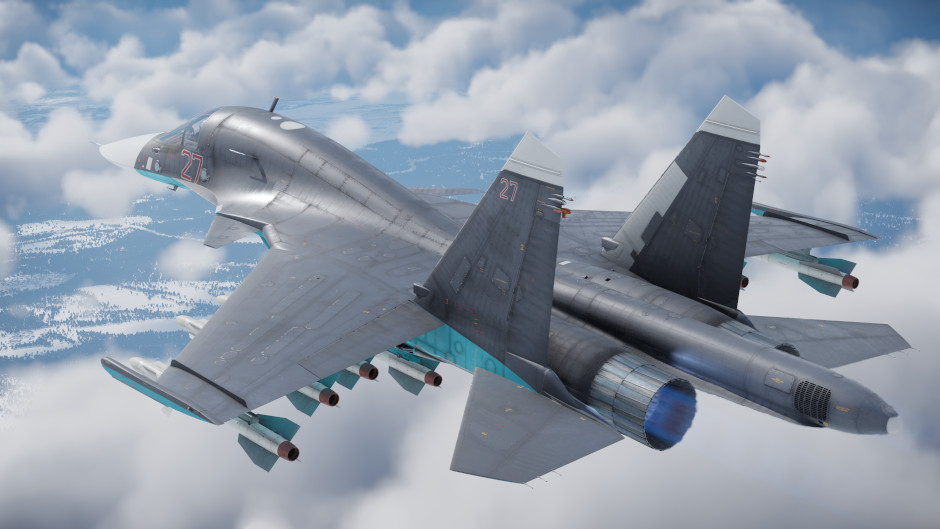
Anti-radiation missiles were recently introduced to the game, along with a new sensor mode: Electronic Support Measures (ESM). This passive sensor is designed for only guiding anti-radiation missiles (ARMs). However, a coding error caused the sensor’s scan area to also affect the guidance of semi-active radar homing missiles; if the target was outside the ESM’s working angles, the missile would lose the target and switch to inertial and data link guidance, potentially causing it to miss. Even if it did hit, another error often prevented it from destroying the enemy.
Radar-guided missiles detonate using a proximity fuze, and it was in the logic of this component that an error occurred. When calculating the time to detonation, the fuze’s code used the model’s center point rather than the specific spot on the aircraft’s fuselage that triggered the sensor; this resulted in an excessive delay before detonation, potentially allowing the target to escape damage. Plus, the missile could punch right through the aircraft before the fuze triggered, inflicting only kinetic damage.
This issue was most apparent during perpendicular engagements, where the detonation delay coincided with an unfavorable aspect angle for shrapnel dispersal. At the same time, the missile’s seeker lost sight of the target and the missile switched to inertial/satellite and data link guidance. But now, the calculations account for the correct point on the target, ensuring the missiles explode at the right moment.
Interface Fixes
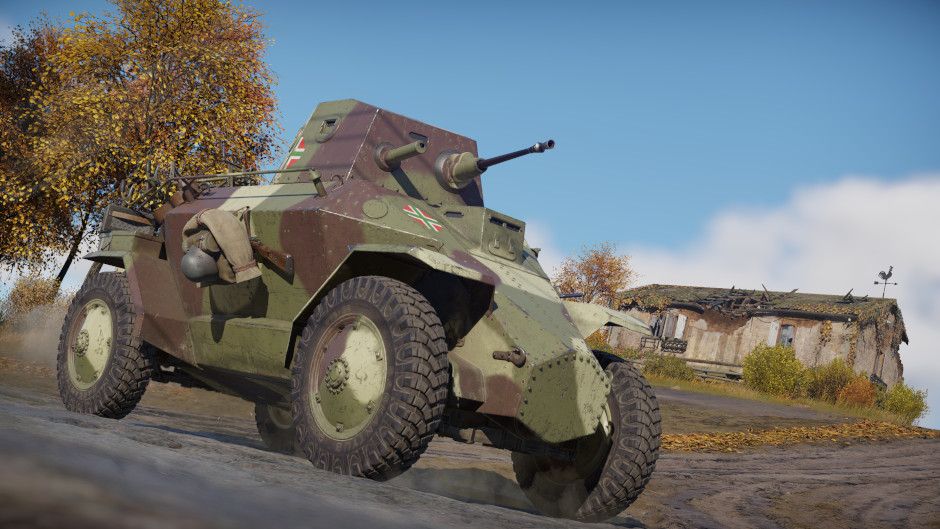
Sometimes, when watching replays with the interface hidden, the cursor would remain on the screen. What’s more, it wouldn’t disappear, even when pressing the “Screenshot without interface” button! Bugs were fixed so the cursor is now hidden again and shouldn’t get in your way anymore.
When viewing replays from the server, you might have encountered an issue caused by the cache filling up: it was impossible to use the cursor to click the button for switching to another player’s view. You could still select this camera using the assigned key combination, but the problem only arose when attempting to switch via the interface.
Another button in the interface had vanished entirely, specifically the one that lets you switch to the nuclear-armed aircraft in Ground Battles! We’ve sorted it out and the button is now displayed again. Once you earn enough spawn points, you’ll be able to deploy the nuke without having to leave your current vehicle.
That’s not all
Check out the full list of fixes and improvements in the update notes below! Here’s some more: the selected crew slot is now highlighted with a more prominent frame, the “Shadow Quality” and “Effect Quality” settings can once again be adjusted, and when using Ray Tracing, tree shadows no longer jitter across the ground as the camera moves.


Comments (7)
Comments will be premoderatedNow please fix ancient issues: qn506 missiles hitting the ground instead of going straight/ up. Commanche not having hellfire 2 or counter measures ( yet its still 11.3)
good idea 😉
on bro good luck
Hello, Can you plz take a look at the Payload of F16 on China Top tecTree? We can payload maw with flame bombs, in theory but, officially we can't build it. Just copy that. and after a new login, the payload is gone. I think it's a bug, if you can please take a look at it... thanks and sry about the poor english.
Hope in the future for PS5, you guys will fix the vehicle animation feature. As I have put in bug reports, but I'm still unable to use the vehicle animations added last year.
Thw crew slot thingy is waaay to visible
Noticed when using Bussard coastal boat both 76mm shells don't hit where you aim . Very obvious when shooting port or starboard. Shells fall way off from intended area targeted and most cases don't even hit Target this is becoming a major issue. I'm not sure if the sister ship has the same issue. Please look into this
Submit a complaint