
System Requirements
- For PC
- For MAC
- For Linux
Minimum
- OS: Windows 10 (64 bit)
- Processor: Dual-Core 2.2 GHz
- Memory: 4GB
- Video Card: DirectX 11 level video card: AMD Radeon 77XX / NVIDIA GeForce GTX 660. The minimum supported resolution for the game is 720p.
- Network: Broadband Internet connection
- Hard Drive: 23.1 GB (Minimal client)
Recommended
- OS: Windows 10/11 (64 bit)
- Processor: Intel Core i5 or Ryzen 5 3600 and better
- Memory: 16 GB and more
- Video Card: DirectX 11 level video card or higher and drivers: Nvidia GeForce 1060 and higher, Radeon RX 570 and higher
- Network: Broadband Internet connection
- Hard Drive: 75.9 GB (Full client)
Minimum
- OS: Mac OS Big Sur 11.0 or newer
- Processor: Core i5, minimum 2.2GHz (Intel Xeon is not supported)
- Memory: 6 GB
- Video Card: Intel Iris Pro 5200 (Mac), or analog from AMD/Nvidia for Mac. Minimum supported resolution for the game is 720p with Metal support.
- Network: Broadband Internet connection
- Hard Drive: 22.1 GB (Minimal client)
Recommended
- OS: Mac OS Big Sur 11.0 or newer
- Processor: Core i7 (Intel Xeon is not supported)
- Memory: 8 GB
- Video Card: Radeon Vega II or higher with Metal support.
- Network: Broadband Internet connection
- Hard Drive: 62.2 GB (Full client)
Minimum
- OS: Most modern 64bit Linux distributions
- Processor: Dual-Core 2.4 GHz
- Memory: 4 GB
- Video Card: NVIDIA 660 with latest proprietary drivers (not older than 6 months) / similar AMD with latest proprietary drivers (not older than 6 months; the minimum supported resolution for the game is 720p) with Vulkan support.
- Network: Broadband Internet connection
- Hard Drive: 22.1 GB (Minimal client)
Recommended
- OS: Ubuntu 20.04 64bit
- Processor: Intel Core i7
- Memory: 16 GB
- Video Card: NVIDIA 1060 with latest proprietary drivers (not older than 6 months) / similar AMD (Radeon RX 570) with latest proprietary drivers (not older than 6 months) with Vulkan support.
- Network: Broadband Internet connection
- Hard Drive: 62.2 GB (Full client)
Update 2.57.1.29
Aircraft
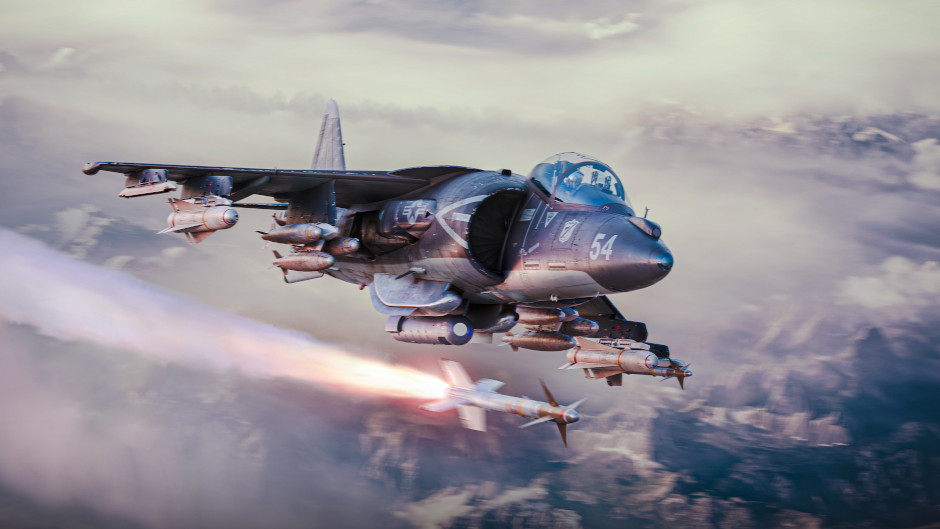
- The ability to link weapons to aiming points via the tactical map by right clicking, along with a corresponding hint to the right of the map, has been added. After opening a context menu on the aiming point, all weaponry available for linking is displayed. The number of munitions linked to a point is increased with LMB and decreased by pressing RMB.
- A bug where the aiming point mechanic was only available when GNSS-guided munitions were equipped, rather than based on the aircraft’s capability to carry them, has been fixed.
- J-10A, J-10C — a bug where the aircraft would turn excessively, making it easier to snap the wings during maneuvers has been fixed. (Report).
Interface
- A bug that caused the width of the chat window in battles to decrease has been fixed.
- A bug that made it impossible to fully view the tank battle area and general battle area tactical maps in Ground Battles when zoomed in while using an aircraft has been fixed. (Report).
Graphics
- A bug where, in some cases, outdated sky data was used during sunlight calculations, causing the scene to be illuminated by a darker shade of light than intended has been fixed.
- A bug that caused ship shadows in Naval Battles to flicker on the “Low” Shadow Quality setting has been fixed.
Patch notes reflect only key changes, meaning they may not include a complete list of all improvements made. Additionally, War Thunder is constantly being updated and some changes may not require an update. Changes reflected in patch notes are formed by taking reactions and requests of the community from the bug reporting service, forums and other official platforms into account. Bug fixes and changes are implemented in order of importance, for example a game-breaking bug will be worked on and implemented sooner.