
System Requirements
- For PC
- For MAC
- For Linux
Minimum
- OS: Windows 10 (64 bit)
- Processor: Dual-Core 2.2 GHz
- Memory: 4GB
- Video Card: DirectX 11 level video card: AMD Radeon 77XX / NVIDIA GeForce GTX 660. The minimum supported resolution for the game is 720p.
- Network: Broadband Internet connection
- Hard Drive: 23.1 GB (Minimal client)
Recommended
- OS: Windows 10/11 (64 bit)
- Processor: Intel Core i5 or Ryzen 5 3600 and better
- Memory: 16 GB and more
- Video Card: DirectX 11 level video card or higher and drivers: Nvidia GeForce 1060 and higher, Radeon RX 570 and higher
- Network: Broadband Internet connection
- Hard Drive: 75.9 GB (Full client)
Minimum
- OS: Mac OS Big Sur 11.0 or newer
- Processor: Core i5, minimum 2.2GHz (Intel Xeon is not supported)
- Memory: 6 GB
- Video Card: Intel Iris Pro 5200 (Mac), or analog from AMD/Nvidia for Mac. Minimum supported resolution for the game is 720p with Metal support.
- Network: Broadband Internet connection
- Hard Drive: 22.1 GB (Minimal client)
Recommended
- OS: Mac OS Big Sur 11.0 or newer
- Processor: Core i7 (Intel Xeon is not supported)
- Memory: 8 GB
- Video Card: Radeon Vega II or higher with Metal support.
- Network: Broadband Internet connection
- Hard Drive: 62.2 GB (Full client)
Minimum
- OS: Most modern 64bit Linux distributions
- Processor: Dual-Core 2.4 GHz
- Memory: 4 GB
- Video Card: NVIDIA 660 with latest proprietary drivers (not older than 6 months) / similar AMD with latest proprietary drivers (not older than 6 months; the minimum supported resolution for the game is 720p) with Vulkan support.
- Network: Broadband Internet connection
- Hard Drive: 22.1 GB (Minimal client)
Recommended
- OS: Ubuntu 20.04 64bit
- Processor: Intel Core i7
- Memory: 16 GB
- Video Card: NVIDIA 1060 with latest proprietary drivers (not older than 6 months) / similar AMD (Radeon RX 570) with latest proprietary drivers (not older than 6 months) with Vulkan support.
- Network: Broadband Internet connection
- Hard Drive: 62.2 GB (Full client)
Update 2.57.0.32 — Sound Mods Available
Sound Mods
- Sound mods can once again be used. If a sound mod stops working during a battle, you’ll see a warning the next time you launch the client. We’re continuing to refine the criteria for detecting sound mod issues, so if you are certain your mod does not affect client stability, you can simply dismiss the message.
- We have fixed all currently known causes of crashes. However, combining different modifications may still lead to game instability; so use sound mods at your own risk.
Reverting Sound Mod Changes
- If a modification causes the game to run unstably, or if you are unhappy with the result, you can revert everything to the way it was:
- 1. Open the config.blk file and change the line `enable_mod:b=yes` to `enable_mod:b=no`, or delete the line entirely.
- 2. Delete the `mod` folder and all its contents from the `sound` folder.
- After doing this, War Thunder will revert to using the default sound effects.
Aircraft
- F-2A F-2A ADTW — a bug that caused the loss of target tracking outside the scan zone in TWS mode has been fixed. (Report).
- Spitfire F Mk IXc — a bug that prevented selecting a weapon loadout consisting solely of forward-firing armament with no bombs has been fixed. (Report).
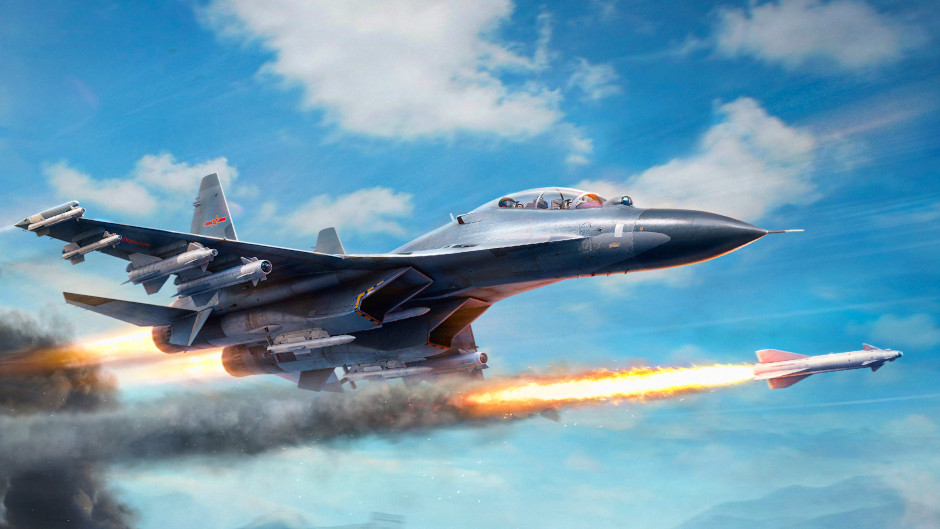
- Su-30MKK (China) — a bug where the LD-10 anti-radiation missile loadout was listed under the “air-to-air” weapon category instead of “air-to-ground” one has been fixed.
Interface
- Improved the display of leaderboards for football events featuring a league system: promotion and relegation icons are now shown, along with a message indicating that promotion will not occur if there is an insufficient number of participants.
Controls
- A bug where controlling the cursor with the gamepad D-pad could cause it to spontaneously move to a random position on the screen has been fixed. This was particularly disruptive when applying decals or working with 3D decorations in the vehicle customization menu. (Report).
Patch notes reflect only key changes, meaning they may not include a complete list of all improvements made. Additionally, War Thunder is constantly being updated and some changes may not require an update. Changes reflected in patch notes are formed by taking reactions and requests of the community from the bug reporting service, forums and other official platforms into account. Bug fixes and changes are implemented in order of importance, for example a game-breaking bug will be worked on and implemented sooner.